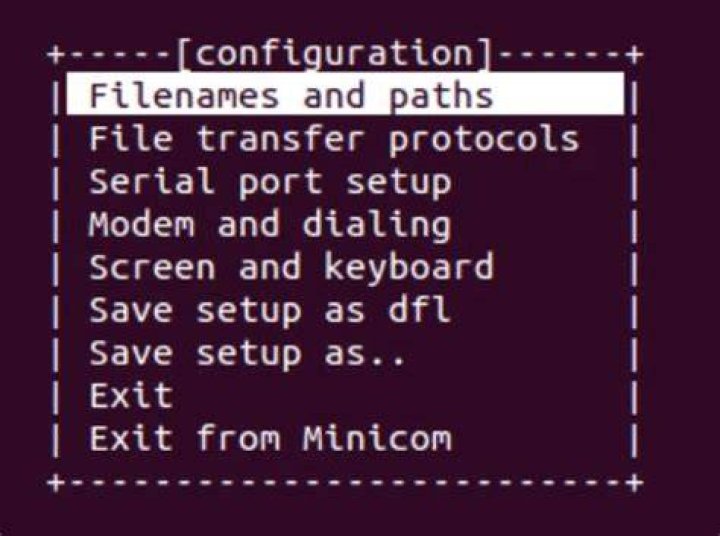

I seem to have a config issue with minicom I haven't seen before. When I start minicom I get this:
james@dev2-NUC5i7RYH:/etc/minicom$ minicom minicom: cannot open /dev/ttyUSB1: No such file or directory I'd go ahead and set the usb port to /dev/ttyUSB0 because i removed /dev/ttyUSB1 and save it to the dfl file in:
/etc/minicom/minirc.dfl Contents are now:
# Machine-generated file - use "minicom -s" to change parameters. pu port /dev/ttyUSB0 pu baudrate 19200 pu rtscts No When then when I exit and restart minicom it continues to connect on port: /dev/ttyUSB1
james@dev2-NUC5i7RYH:/etc/minicom$ minicom Why? What did I do wrong?
Reset to default