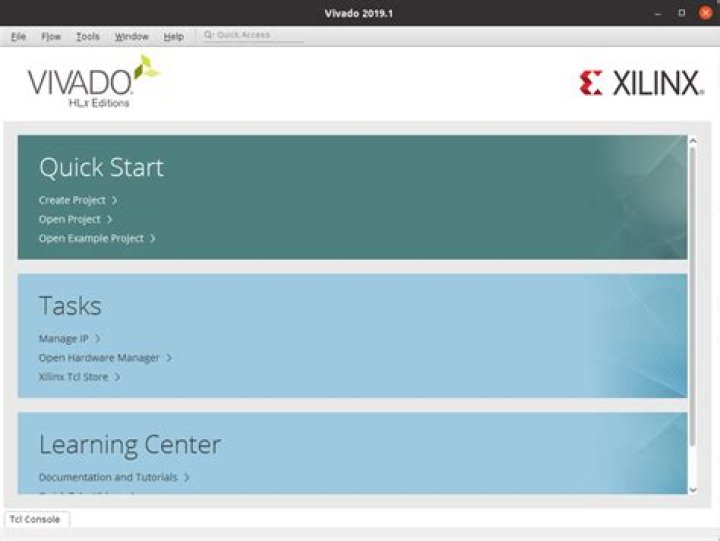

I installed Vivado(2022.2) ML Standard with all the drivers on Windows 10. As I try to auto or manual connect ARTY A7 in Vivado hardware manager the device doesen't show up.
What I tried:
- Changed USB cable,
- Connect device to other PC, where it is working!,
- Reinstalling vivado,
- Reinstalling cable drivers by running install_drivers_wrapper.bat in vivado installation file nt64,
- Reinstalling cable drivers by the following instructions I know they are for windows 7, but that was out of despair
What I found:
It is stil not working, but in my device manager I only see USB Serial Converter B, but as I was reading and saw on othaer computer where it is working, there were USB Serial Converter A and B.
Thanks for all the help in advaced.
1 Answer
OK, so it is working now. I installed adept and it detected my device and after that Vivado hardware manager detects it too.
1



