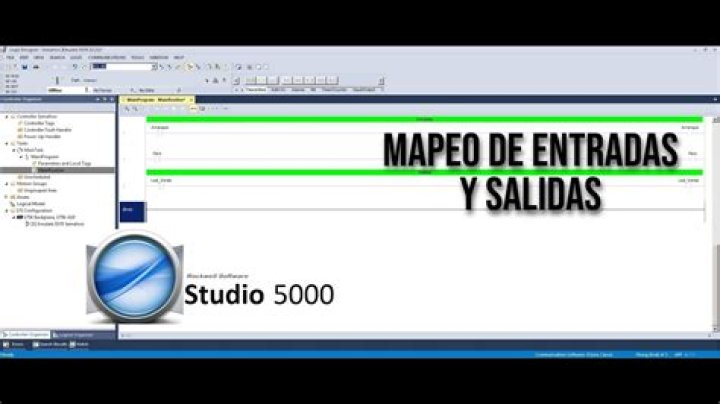

I want to go online on my PLC, bit it seems I need to download or upload the program, I didn't make any changes on my program but I'm in doubt that I could make a mess with the machinery that is connected to the PLC, If I upload the program something might happen??
I'm trying to not make a mess with machinery that is connected to the PLC
12 Answers
In Studio 5000:
- Upload means copy the program that is currently running on your PLC to your computer.
- Download means deleting the program and all data values that are currently running on your PLC and replacing them with the offline program on your computer.
In order to go online, the program you have open on your computer needs to match the one in the PLC. If it will not let you go online, it means that the programs do not match.
In general, if you are in doubt, upload is the one you want to choose, as this preserves the program that is currently running. You do a download only when you know that you have made changes that need to be transferred to the PLC.
It is clear that the software version in your computer does not match that in your plc. You are stuck. You cannot download without overwriting the plc program, which could create a disaster. If you tried to upload to recover the plc program, you would not get proper tag names or tag descriptions or rung descriptions. The upload function assumes that the original plc program is present with this data.
You need to somehow recover the version of the program that was previously downloaded to the plc.
1



