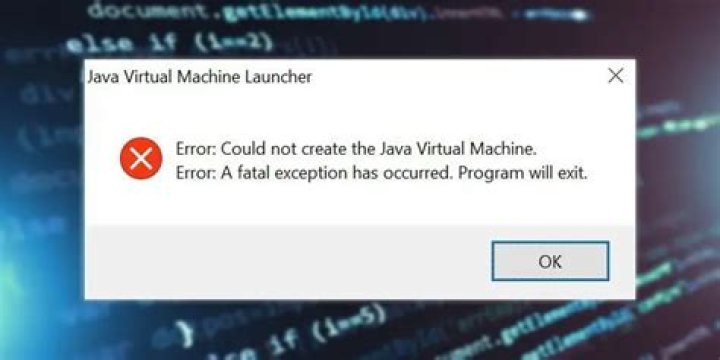

I am trying to run my .jar file on a linux server.
These are the commands I'm running:
JAVA_HOME=/app/local/opt/jdk/packages/jdk1.6.0_30/ export PATH=$JAVA_HOME/bin:$PATH cd folder nohup java -jar program.jar & When ran on Friday, this was working perfectly. However, today I am getting:
Unrecognised option: - Could not create the Java virtual machine. In my nohup.out
If I run java -v after setting the path I get the same problem. Can anyone suggest anything? Really confused about this.
Thanks for any help on this.
43 Answers
Usually, when we get this kind of exception ("Unrecognised option" which causes the "Could not create the Java virtual machine"), the JVM displays the unrecognized option, like this:
Unrecognised option: -[option details] Could not create the Java virtual machine. the fact that you have no details makes it seem as though you just have a space (" ") in your command.
Take a look again to make sure.
3I've got this failure running maven on Win10 where the pom.xml is located in a folder named something like C:\dir\OneDrive - bar\workspace\project.
Moving the project to a different folder solved it.
0First of all, there is no -v option on the java command.
(Reference: ... Java 6 version ... 'cos that is what you are using. Try java -help for the short list of options.)
So it is expected for java -v to fail.
As an experiment I tried this (with an OpenJDK Java 8 JDK on Fedora 22):
$ java -foop Unrecognized option: -foop Error: Could not create the Java Virtual Machine. Error: A fatal exception has occurred. Program will exit. $ As you can see, the "unrecognized option" message tells me what option it doesn't understand. Looking at the message in your question, we see that it is saying it is "-". That doesn't appear to match the command line in your question, but on the other hand the command line in your question does not have any invalid options.
Another possibility, I guess, is that you have a shell alias called java. That would take precedence over any commands on the shell's command path.
The other thing is that you are running an ancient version of Java. Java 6 has passed end-of-life, and the last publicly released version is update 45. You are running update 30 which was released in December 2011. There have been LOTS of security patches since then. I'd recommend upgrading to Java 8 ... and making sure that you keep it up to date.




