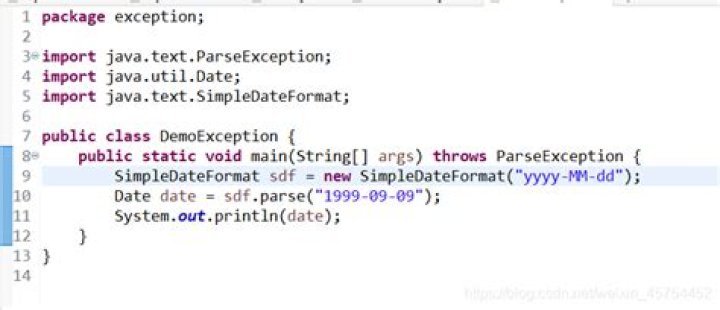

I can't understand why this few lines
Date submissionT; SimpleDateFormat tempDate = new SimpleDateFormat("EEE MMM d HH:mm:ss z yyyy"); public time_print(String time) { try { submissionT=tempDate.parse(time); } catch (Exception e) { System.out.println(e.toString() + ", " + time); } } Cause exceptions and print out
java.text.ParseException: Unparseable date: "Tue Mar 31 06:09:00 CEST 2009", Tue Mar 31 06:09:00 CEST 2009 ... while the "unparsable" time is compliant with the format string i've passed to SimpleDateFormat().. Any Idea?
13 Answers
It is a Locale issue. Use:
sdf = SimpleDateFormat("EEE MMM d HH:mm:ss z yyyy", Locale.US); Works for me.
public class Main { public static void main(String[] args) { time_print("Tue Mar 31 06:09:00 CEST 2009"); } static Date submissionT; static SimpleDateFormat tempDate = new SimpleDateFormat("EEE MMM d HH:mm:ss z yyyy"); public static void time_print(String time) { try { submissionT=tempDate.parse(time); System.out.println(submissionT); } catch (Exception e) { System.out.println(e.toString() + ", " + time); } } }
1The 'z' in your format represents TimeZone and Java only recognises certain timezone ID's. You can get the list out of the TimeZone class as a String Array. CEST does not appear in the list I just generated from JDK 1.5
String[] aZones = TimeZone.getAvailableIDs(); for (int i = 0; i < aZones.length; i++) { String string = aZones[i]; System.out.println(string); } Hope this helps.




