I published the VSTO app, where I copy a Range with a formatted text.
On most users machines the application works properly while some users have the error "This command is not available." thrown whenever the following piece of code is being excetuded.
var sourceDocument = Globals.ThisAddIn.Application.ActiveDocument; sourceDocument.Range().Copy(); Document documentOld = new Document(); documentOld.Range().PasteAndFormat(WdRecoveryType.wdFormatOriginalFormatting); //here the error occurs Document documentNew = new Document(); documentNew.Range().PasteAndFormat(WdRecoveryType.wdFormatOriginalFormatting); Could you recommend me something? Should I check any settings of the Word App on the User's machine?
Your help would be highly appreciated!
Thank you in advance!
2 Answers
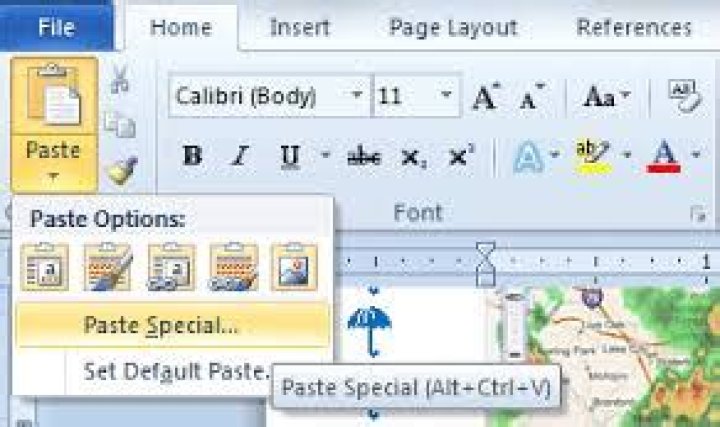
Seems like sometimes the PasteAndFormat / Paste Special in Word is disabled upon creating a new Document. This can be reproduced manually in Word opening a new document, copying something to the clipboard and checking the paste options menu:


What I do in order to counteract this, is to do a normal paste, then delete the content and then use the PasteAndFormat.
Try disabling Windows clipboard history (Start => Settings => System => Clipboard, turn Clipboard history off). We have some similar macro code here at work, and for some reason the clipboard history feature interferes with it. I assume it's a resource contention problem, like the clipboard history code is locking access to the clipboard briefly.




