% of Total Etsy Products = DIVIDE(SUM('categorycount_table'[categorycount]),100)
Trying to divide but getting below issue -
The function SUM cannot work with a value of type string.
Below is the structure of categorycount_table.
Note - This table is created from two different table.
| Date | categorycount |
|---|---|
| 01/01/2012 | 12121 |
| 01/02/2012 | 1231 |
2 Answers
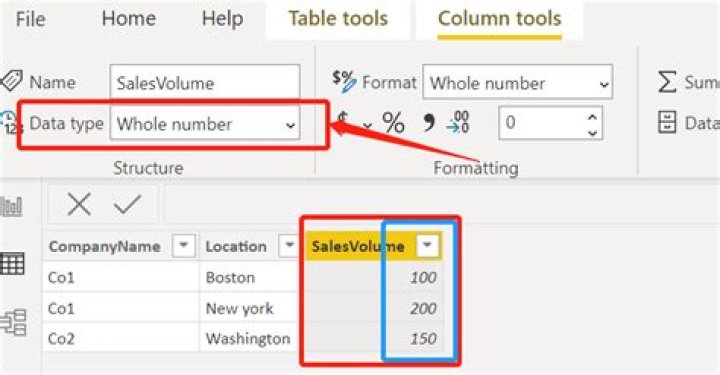
Problem: the column currently is in text format, you should change it into number format.
Solution:
firstly change data type into number format under [column tools] in Powerbi view;

if no change then you need go to PowerQuery to check if there are any text values in this column. remove these text values (usually N/A, no data, or errors) then change data type.
Further information:
when the column is in text format, values would be in left side.

when the column is in number format, values would be in right side.
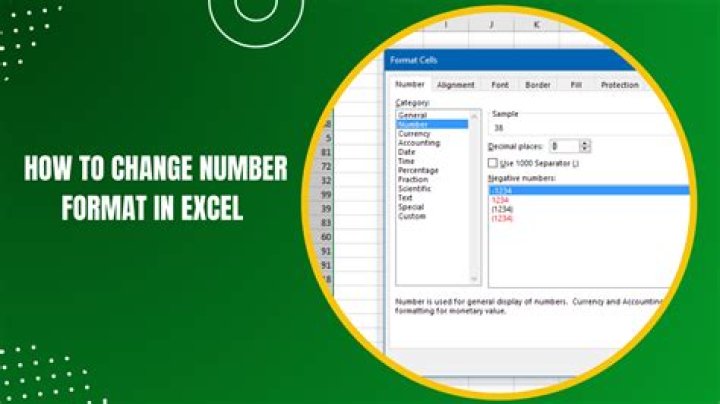
In data view, make sure the data type for 'categorycount_table'[categorycount] is a number.




