
Working on deploying an application from my development box to a client. On the client when I run my exe, I get the error "The 'SQLNCLI10' Provider is not registered on the local machine.
I'm developing in SQL Server 2012. I have tried installing sqlncli.msi on the target machine with no luck.
Can anyone tell me what package I need to install on the client machine to get my app to work? And if possible provide a URL to said package?
Thanks!
15 Answers
Figured out I needed the 2008 version as opposed to the 2012 version.
2Are you perhaps working on a 64 bit machine and used the 32-bit install?
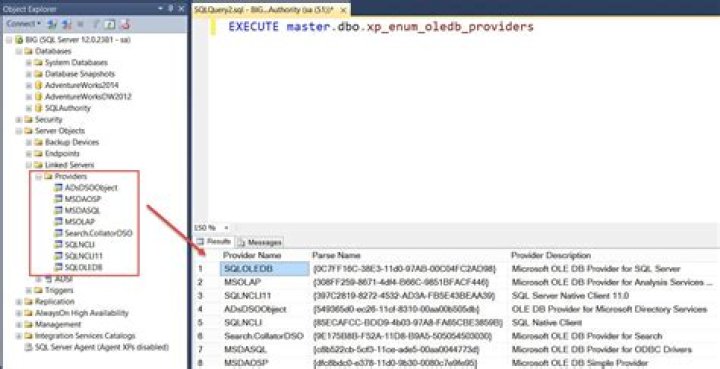
0Use SQLNCLI11 for connecting to SQLserver 2012
eg:
Provider=SQLNCLI11;Data Source=trv6s177;Integrated Security=SSPI;Initial Catalog=DPVCube_Stage Downloads
X86 Package (sqlncli.msi)
X64 Package (sqlncli.msi)
1Some updates:
SQLNCLI11 works on windows 10 as well, and it can connect SQL 2012 and 2014 (not tested on later SQL versions) This is the latest version available
At the time of writing, the most updated package can be found here: SQL Server® 2012 Native Client - QFE
From Microsoft:
It is not recommended to use this driver for new development. The new OLE DB provider is called the Microsoft OLE DB Driver for SQL Server (MSOLEDBSQL) which will be updated with the most recent server features going forward.
Install the sqlncli10 provider on your machine.
The sqlncli10 provider for SQL 2008 R2 can be downloaded from here.




