I am trying to automate Instagram follow button clicks when you click on a user's username on the Instagram website.
Upon clicking the username, you then click followers and a window opens containing the people following this person and there are follow buttons
Here's a screenshot of the new window

I am trying to click the buttons one by one through python selenium but nothing I try seems to work.
The best I got was a for loop that only clicked the first follow button using xpath but the other buttons were not clicked.
#click the followers button to dispaly the users followers driver.find_element_by_partial_link_text("followers").click() time.sleep(3) #scroll through the followers list to a specified heeight scroll_box=driver.find_element_by_xpath("/html/body/div[4]/div/div[2]") last_ht, ht=0, 1 while last_ht !=ht: last_ht=ht time.sleep(2) ht=driver.execute_script("""arguments[0].scrollTo(0, 2000); return 2000; """, scroll_box) #follow users up to the specified height follow=driver.find_elements_by_xpath("/html/body/div[4]/div/div[2]/ul/div/li[1]/div/div[3]/button") for x in range (0,len(follow)): follow[x].click() time.sleep(2) time.sleep(1) 3 Answers
Your Xpath selector seems to be copied straight from the chrome developer tools and BTW it will only return one button as you are targeting one li
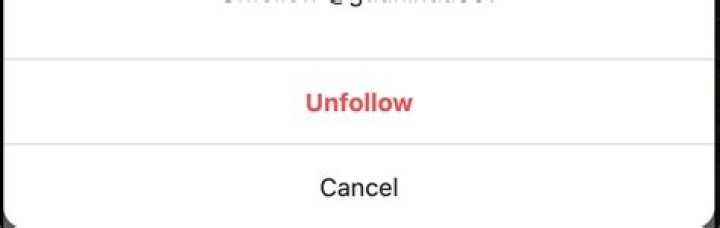
# Get all buttons that has the text Follow buttons = driver.find_elements_by_xpath("//button[contains(.,'Follow')]") for btn in buttons: # Use the Java script to click on follow because after the scroll down the buttons will be un clickeable unless you go to it's location driver.execute_script("arguments[0].click();", btn) time.sleep(2) What if we have already followed someone and if it asks me this :

and if I want to add if statement to this code :
#scroll through the followers list to a specified heeight # Get all buttons that has the text Follow buttons = self.driver.find_elements_by_xpath("//button[contains(.,'Follow')]") for btn in buttons: self.driver.execute_script("arguments[0].click();", btn) sleep(99) and later on-site started giving this messagit is blocking my action to click on followe
Yash, I'm unable to comment on your answer, so I'm posting another one.
Solution: You need to check button text before clicking,
if btn.text == 'Follow': #Code to click button 



