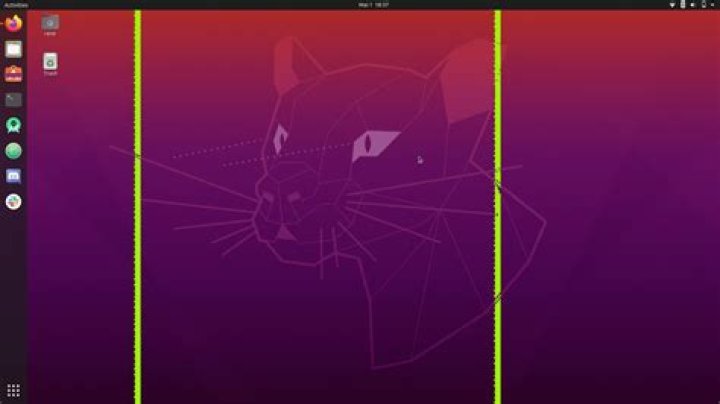

I got some screen tearing when i'm watching videos on internet, My graphic card is an integrated Intel HD 4000 on an intel i7 3770 I also got 4 GB RAM and 500 GB HDD ¿Any soluition? I already tried with 20-intel.config :( Help
12 Answers
I had the same problem with firefox and I solved it by changing layers.acceleration.force-enabled to true. here is how:
type about:config in the address bar, hit enter, click on Accept the Risk and Continue, find layers.acceleration.force-enabled and change it's value to true then restart firefox.
You can test if you're still having the tearing problem by watching this video on 1080p and 60fps:
1For chrome, it is enabling hardware acceleration in settings and enabling flag chrome://flags/#enable-accelerated-video-decode
GPU acceleration status is listed here: chrome://gpu/
For me, after turning the flag enabled, the video decoding became hardware accelerated(previously was software only)
Graphics Feature Status Canvas: Hardware accelerated Compositing: Hardware accelerated Multiple Raster Threads: Enabled Out-of-process Rasterization: Disabled OpenGL: Enabled Hardware Protected Video Decode: Unavailable Rasterization: Software only. Hardware acceleration disabled Skia Renderer: Enabled Video Decode: Hardware accelerated Vulkan: Disabled WebGL: Hardware accelerated WebGL2: Hardware accelerated