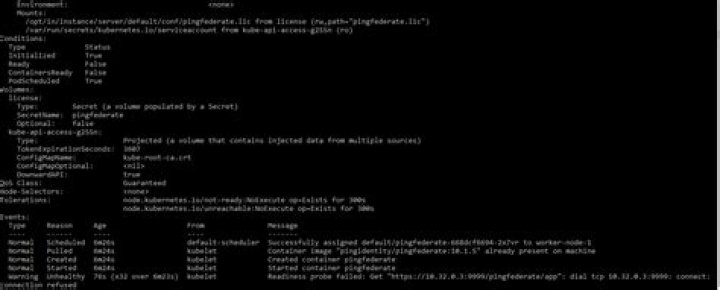

I have prepared some basic example of Keycloak inside k8s , where I have a problem that when I deploy Keycloak Helm Chart in the end of deployment I have such an error:
Normal Created 3m56s kubelet, oauth2-proxy-control-plane Created container keycloak Normal Started 3m56s kubelet, oauth2-proxy-control-plane Started container keycloak Warning Unhealthy 48s (x16 over 3m18s) kubelet, oauth2-proxy-control-plane Readiness probe failed: Get dial tcp 10.244.0.9:8080: connect: connection refused $ kubectl get pod -o wide NAME READY STATUS RESTARTS AGE IP NODE NOMINATED NODE READINESS GATES oauth2-proxy-example-0 0/1 Running 3 8h 10.244.0.9 oauth2-proxy-control-plane <none> <none> oauth2-proxy-example-postgresql-0 1/1 Running 1 8h 10.244.0.10 oauth2-proxy-control-plane <none> <none> What is wrong with config and why it can't check readiness probe?
UPDATE
readinessProbe: | httpGet: path: /auth/realms/master port: 9080 And now I get:
Warning Unhealthy 83s (x2 over 93s) kubelet, oauth2-proxy-control-plane Readiness probe failed: Get net/http: request canceled (Client.Timeout exceeded while awaiting headers) 1 Answer
So basicly I figured out that timeout setting helped
readinessProbe: | httpGet: path: /auth/realms/master port: 9080 initialDelaySeconds: 30 timeoutSeconds: 30 



