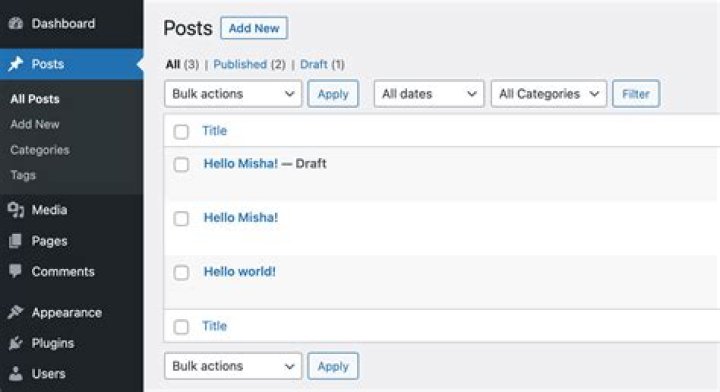

I would like to disabled some checkbox created by a custom BulkActionsButton. This is a simple list:
function CourseList(props): ReactElement { return ( <List {...props} bulkActionButtons={<BulkActionButton />} > <Datagrid> ...some fields </Datagrid> </List> ); } and the BulkActionButton:
const BulkActionButton = ({ resource, selectedIds, }: BulkActionProps): ReactElement | null => { const { data, loading } = useGetMany( 'shared/courses', selectedIds as Identifier[] ); if (!data || loading) { return null; } const someHasBeenPaid = data.some((course) => !!course?.invoiceDate); return ( <Button color="secondary" disabled={someHasBeenPaid} label={t('@app.manager.clientDepartment.invoiceCTA')} /> ); }; Actually the records which have a invoiceDate should not be checkable first. But the checkboxes are created internally by react-admin I don't find any documentation on how to apply some filters to enable/disabled the checkboxes or if it is even possible.
1 Answer
Based on this documentation you can use isRowSelectable prop on the Datagrid component to choose if a row is selectable for bulk actions. You get access to the record there so you can make the decision based on your data:
export const RecordList = props => ( <List {...props}> <Datagrid isRowSelectable={ record => !record.invoiceDate }> ... </Datagrid> </List> ); 



