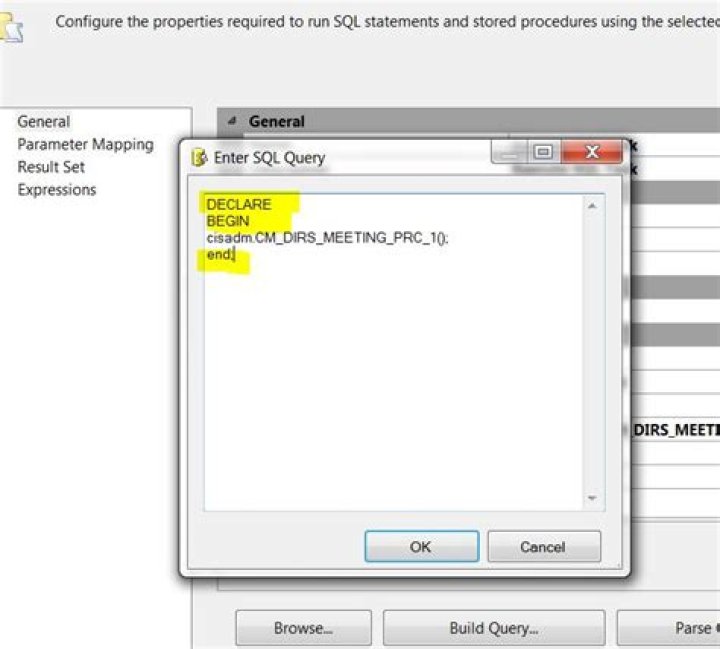

I am using Oracle 10g database and trying to run a procedure using SQL commands.
create or replace procedure "exam" is begin DBMS_OUTPUT.PUT_LINE('Test'); end; Then click on Run button. It shows: "procedure created".
When I try to execute it using:
execute exam; then click on Run button, it shows:
ORA-00900: invalid SQL statement Thanks for your help.
3 Answers
Just noticed a detail in your question. You press run button. Thus, you must be using an IDE.
You cannot use execute in IDEs - it is an sql*plus command. It might work in Oracle SQL Developer though, but I wouldn't use it there anyway;
Try
begin exam; end; See: Syntax error while trying to call an Oracle package using ODBC in C#
You have to put "{" and "}" before the command. Example:
processListCmd.CommandType = CommandType.StoredProcedure; processListCmd.CommandText = "{ call rep_invnr_proclist }"; processListCmd.ExecuteNonQuery(); Lose the double-quotes around the name. They're a bad practice in Oracle.
3



