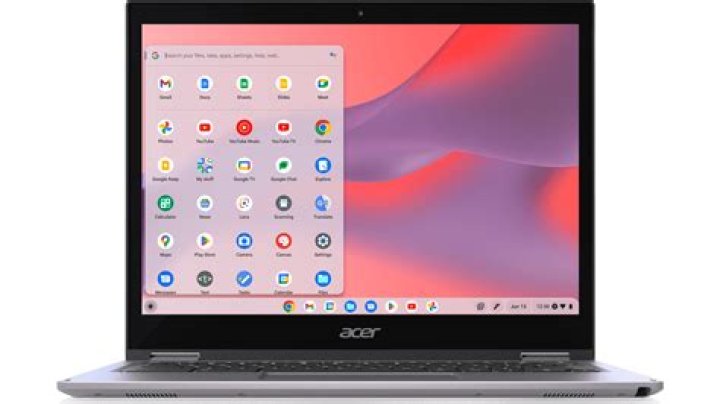

Converted Chrome OS to Xubuntu 21.10 (tried 20.04) as well. All good but nod sound.
Mixer only shows dummy output. Tried some tricks from here but no luck: Fix No Sound (Dummy Output) Issue In Ubuntu With SND HDA Intel
dmesg showing error:
[ 6.040092] sof-audio-acpi-intel-byt 80860F28:00: error: tplg request firmware intel/sof-tplg/sof-byt-max98090.tplg failed err: -2 [ 6.040100] sof-audio-acpi-intel-byt 80860F28:00: you may need to download the firmware from Hardware:
00:1b.0 Audio device: Intel Corporation Atom Processor Z36xxx/Z37xxx Series High Definition Audio Controller (rev 0e) APlay:
card 0: PCH [HDA Intel PCH], device 3: HDMI 0 [HDMI 0] Subdevices: 1/1 Subdevice #0: subdevice #0 card 0: PCH [HDA Intel PCH], device 7: HDMI 1 [HDMI 1] Subdevices: 1/1 Subdevice #0: subdevice #0 1 Answer
Try manually copying sof-bin firmware to /lib/firmware/intel/sof-tplg/ folder. See instructions in the answer of no sound due to error direct firmware load failed for intel/sof-tplg/sof-byt-max98090.tplg
(I am not a developer, just a regular user who encountered a similar problem. )




