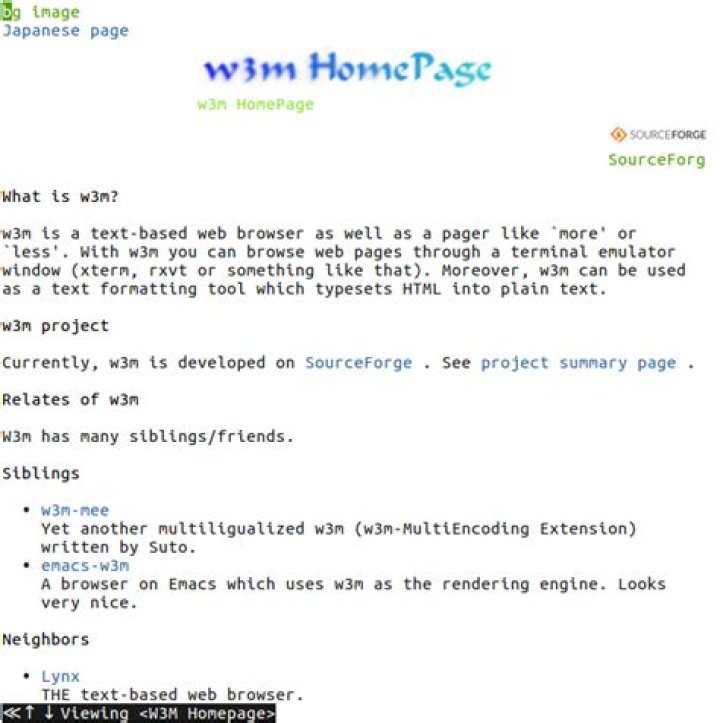
I've updated apt and installed w3m and w3m-both:
$ apt install w3m-img Reading package lists... Done Building dependency tree Reading state information... Done w3m is already the newest version (0.5.3-36build1). w3m-img is already the newest version (0.5.3-36build1). 0 upgraded, 0 newly installed, 0 to remove and 31 not upgraded. $ which w3m /usr/bin/w3m $ which w3mimgdisplay w3mimgdisplay not found $ which w3m-img w3m-img not found $ ls -la /usr/lib/w3m/w3mimgdisplay -rwxr-sr-x 1 root video 26640 Feb 5 2018 /usr/lib/w3m/w3mimgdisplay When I call: w3m I don't see any images. How to fix it? I tried it in Tilix and in gnome-terminal.
1 Answer
First of all w3m-img package provides
inline image extension support utilities for w3m
so it does not have separate executable.
Then visit web-site with inline images like
w3m and you will get something like

Note: it may not work on text TTY (Ctrl+Alt+F1) inside VirtualBox - I have seen this problem.
4



