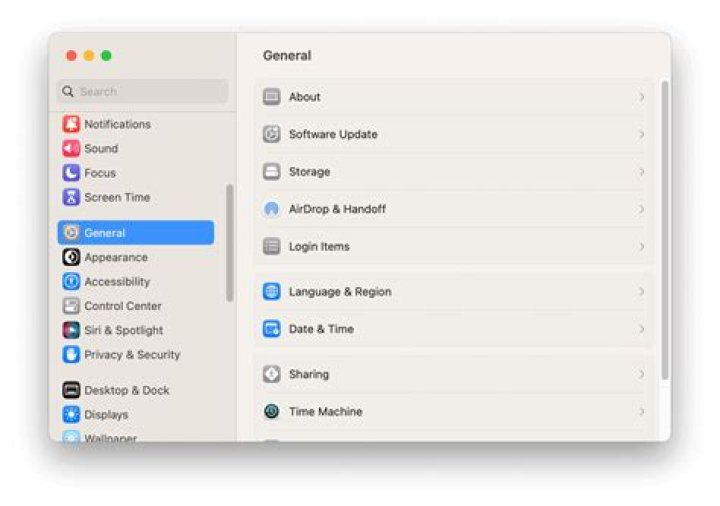

After I upgraded to the latest version of macOS, my MacBook Pro can't connect to a Bluetooth speaker. I have tried removing the device in System Preferences and re-pairing and reconnecting, but that does not solve the problem.
I am able to connect to the same Bluetooth speaker using my iPhone and a Windows 10 PC.
On the Mac, I see it connects, but after a few minutes, it will become disconnected.
2 Answers
Probably something went wrong in the configuration during the OS update. Or maybe, without further notice, you installed a new third-party app that might disturb the connection?
I would try the following steps and check after each one if it already helped:
Reboot the system (as you have probably already done)
Reset the full Bluetooth configuration (system-wide and user-specific):
- System Preferences -> Bluetooth -> Turn "Bluetooth Off"
- Open Terminal and type (as admin): sudo rm -R /Library/Preferences/com.apple.Bluetooth.plist
- Confirm with Password + Enter
- Delete user-specific Bluetooth settings: Press Cmd+Shift+G in the Finder, enter ~/Library/Preferences/ and click "Go". Locate com.apple.Bluetooth*plist and delete it.
- Restart your Mac
- Turn Bluetooth back on (system preferences). Now you need to reconnect all other Bluetooth connections as well.
Disconnect all USB devices and check if connection problems still occur. If no, try to re-connect one after another and try to identify the device causing problems.
General hardware problems might be solved by a SMC reset. However normally, Bluetooth should not be affected by it. As it is a simple procedure (and you don't really loose anything) one can try it, described by Apple:
If all these steps don't help, one would need to reset the whole Bluetooth Module or reinstall the operating system.
I tried all of the above and nothing worked, spent over an hour with the apple customer care and then their senior advisor was able to fix the issue. Turns out the output tab on sound on system preferences needed to get changed to bluetooth speakers. Just go to system preferences--> Sound---> output---> choose bluetooth. Everything will start working fine again! Apparently with the update that option switched inadvertently to built in speakers.
Hope this helps someone!




