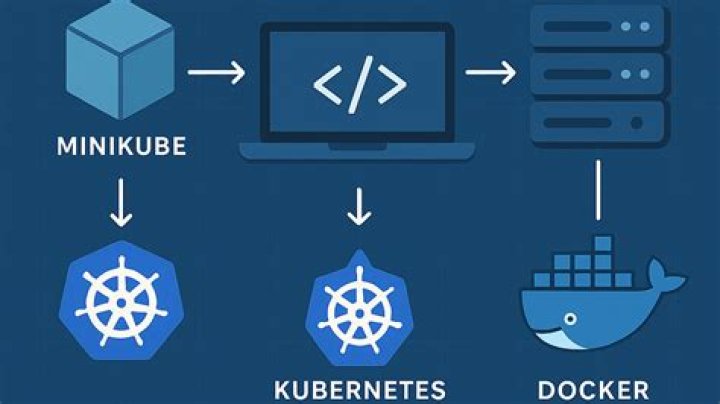

I have a docker image called docker-hello-world - all it does is print Hello World to the log using the JRE. When tested it works fine.
Then, I import an image into Kubernetes Docker and run – still no issues.
docker images -a REPOSITORY TAG IMAGE ID CREATED SIZE docker-hello-world latest 9a161d166742 20 hours ago 83.17 MB - When I try and deploy into Kubernetes with
kubectl run docker-hello-world --image=docker-hello-world:latestsomething goes wrong here – I tried the image id as well but I can’t understand why it can’t find the image.
It says deployment created.
kubectl get deployments NAME DESIRED CURRENT UP-TO-DATE AVAILABLE AGE docker-hello-world 1 1 1 0 24s kubectl get pods NAME READY STATUS RESTARTS AGE docker-hello-world-67c745cff4-sv77d 0/1 ErrImagePull 0 43s Logs:
kubectl logs docker-hello-world-67c745cff4-sv77d Error from server (BadRequest): container "docker-hello-world" in pod "docker-hello-world-67c745cff4-sv77d" is waiting to start: trying and failing to pull image Im not sure why it can’t find the image.
But if I do from within Minikube:
docker build -t dummy:v1 ~/eclipse-workspace/HelloWorld/bin/ (I don’t really want do generate the image again)
docker images REPOSITORY TAG IMAGE ID CREATED SIZE dummy v1 beae3bfd2327 32 seconds ago 83.17 MB kubectl run --image=dummy:v1 dummy deployment "dummy” created kubectl get deployments NAME DESIRED CURRENT UP-TO-DATE AVAILABLE AGE dummy 1 1 1 0 11s kubectl get pods NAME READY STATUS RESTARTS AGE dummy-8496dd7d84-t4h66 0/1 Completed 4 1m kubectl logs dummy-8496dd7d84-t4h66 Hello, World It seems to work ok
21 Answer
The version tag of the image docker-hello-world:latest is latest, which indicates the default ImagePullPolicy is Always (see pkg/apis/core/v1/defaults.go for v1.9.x and after). It will try to pull image from the hub and not use the image already present.
One option is set a specific tag rather than latest.




