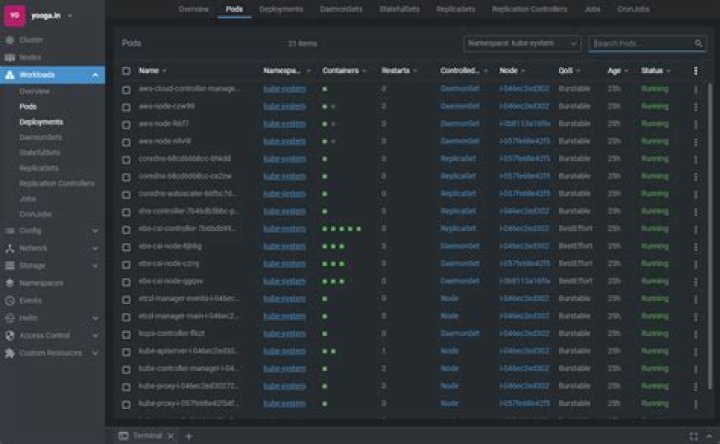

We create the cluster using the following command
kops create cluster --node-count=3 --node-size=c5.2xlarge --master-count=3 --master-size=c5.xlarge --zones=eu-west-1a --name=${KOPS_CLUSTER_NAME} --yes We are using kops cluster. We export the kubeconfig using this command
$ kops export kubecfg --admin --kubeconfig ~/workspace/kubeconfig --state=s3://YOUR-S3-BUCKET-NAME" It works fine for sometime. But after sometime we again start getting the same error as TTL expires for kubeconfig
error: You must be logged in to the server (Unauthorized) kops Is there any way we can get rid of this annoying TTL?
71 Answer
After going through the docs, found that we can actually give the validity of the kubeconfig as an argument
$ kops export kubecfg --admin=87600h0m0s --kubeconfig ~/workspace/kubeconfig --state=s3://<bucket-name> --name=<cluster-name> 



