
I loaded a csv file into 'dataset' and tried to execute dataset.head(), but it reports an error. How to check the head or tail of a numpy array? without specifying specific lines?
23 Answers
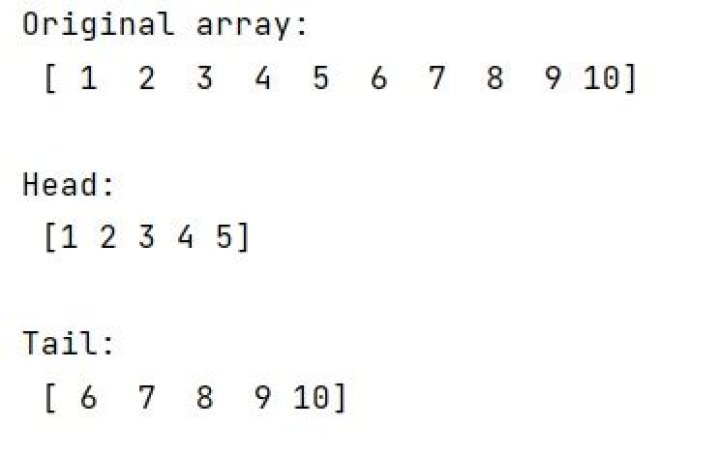
For a head-like function you can just slice the array using dataset[:10].
For a tail-like function you can just slice the array using dataset[-10:].
You can do this for any python iterable.
PEP-3132 which is in python 3.x () can use the * symbol for the 'rest' of the iterable.
To do what you want:
>>> import numpy as np >>> np.array((1,2,3)) array([1, 2, 3]) >>> head, *tail = np.array((1,2,3)) >>> head 1 >>> tail [2, 3] This works well:
def nparray_tail(x: np.array, n:int): """ Returns tail N elements of array. :param x: Numpy array. :param n: N elements to return on end. :return: Last N elements of array. """ if n == 0: return x[0:0] # Corner case: x[-0:] will return the entire array but tail(0) should return an empty array. else: return x[-n:] # Normal case: last N elements of array. Discussion
As a bonus, this fixes a non-intuitive corner case in the answer from @feedMe: dataset[-0:] returns the entire array, not an empty array as one would expect when requesting the last 0 elements on the tail end of the array. This is consistent with the .tail() function in Pandas.




