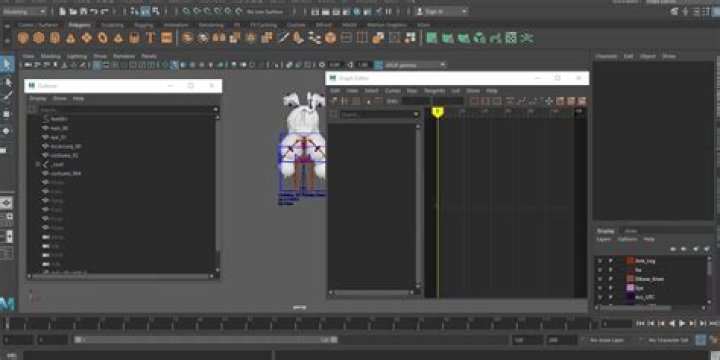
see my gif 
when I reparent hip object, it generated "transform1" in outliner, how to don't don't generate transform and just reparent one joint to an
2 Answers
You may get more/quicker answers on another forum as SO is strictly for programming questions.
This is likely because somewhere in your hierarchy from _root, it is scaled, which propagates down to your object. Then when you want to re-parent your object elsewhere it will create that unwanted transform to try and preserve its scale that was inherited.
The fix is simple but might require addition fixing depending on the complexity of your rig: you have to freeze scale on _root, then you should be able to re-parent afterwards without generating that new transform. Be warned, this may cause pops somewhere down the chain that may need fixing.
Let this be a lesson: scaling in rigging in any 3d software is evil for so many reasons. Just don't do it, unless it's there for some purpose. And if you do scale, clean it up before using it!
2here is answer
if reparent targetobject generate 'transform node", hit 'z' to back to init status(not reparent status)
first, set targetobject's all ancestors(parent object, parent's parent object, ...)'s scale to 1,1,1, attention, whatever old scale is 1 or not, you must do set scale 1 in Channel Box/Layer Editor
see my gif, following is bug reproduce(without setting scale as 1)
following is done with setting scale as 1
tip: since i rare modify skeleton so use gui operations is enough, if you often use it, maybe maya python script can do it with one cmd




