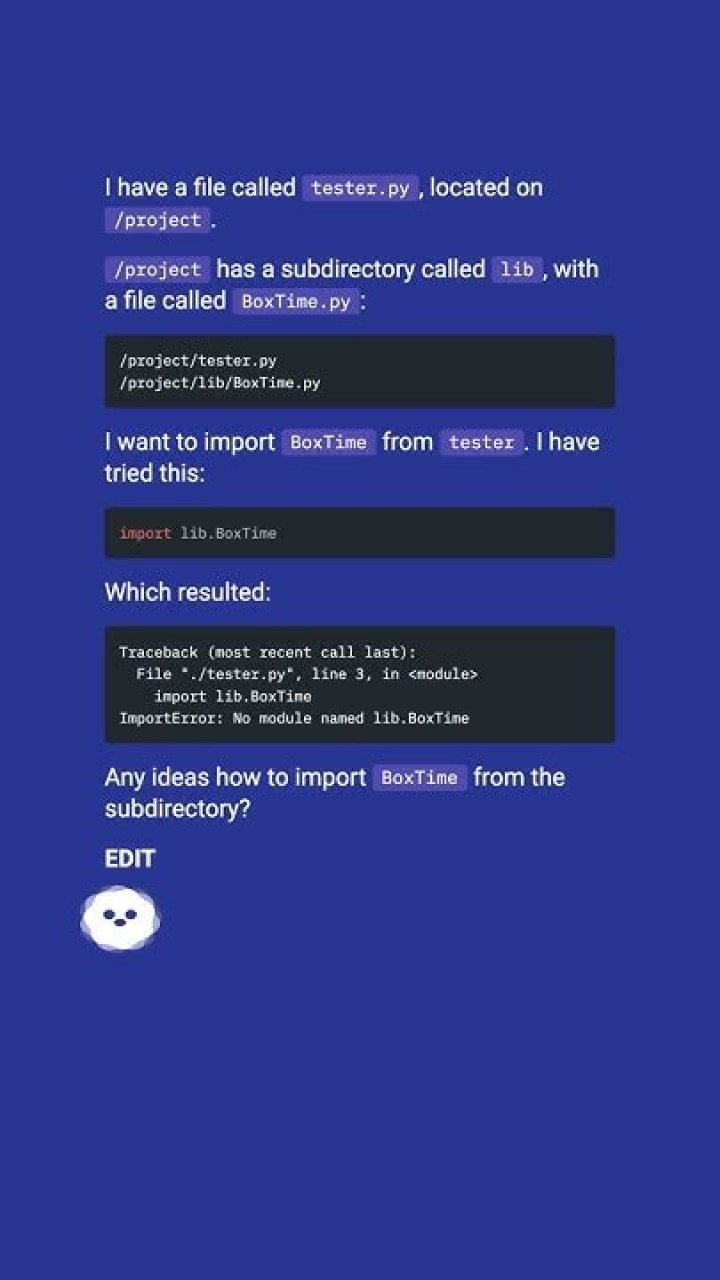

I have a file called tester.py, located on /project.
/project has a subdirectory called lib, with a file called BoxTime.py:
/project/tester.py /project/lib/BoxTime.py I want to import BoxTime from tester. I have tried this:
import lib.BoxTime Which resulted:
Traceback (most recent call last): File "./tester.py", line 3, in <module> import lib.BoxTime ImportError: No module named lib.BoxTime Any ideas how to import BoxTime from the subdirectory?
EDIT
The __init__.py was the problem, but don't forget to refer to BoxTime as lib.BoxTime, or use:
import lib.BoxTime as BT ... BT.bt_function() 12 Answers
Take a look at the Packages documentation (Section 6.4).
In short, you need to put a blank file named
__init__.py in the lib directory.
- Create a subdirectory named
lib. - Create an empty file named
lib\__init__.py. In
lib\BoxTime.py, write a functionfoo()like this:def foo(): print "foo!"In your client code in the directory above
lib, write:from lib import BoxTime BoxTime.foo()Run your client code. You will get:
foo!
Much later -- in linux, it would look like this:
% cd ~/tmp % mkdir lib % touch lib/__init__.py % cat > lib/BoxTime.py << EOF heredoc> def foo(): heredoc> print "foo!" heredoc> EOF % tree lib lib ├── BoxTime.py └── __init__.py 0 directories, 2 files % python Python 2.7.6 (default, Mar 22 2014, 22:59:56) [GCC 4.8.2] on linux2 Type "help", "copyright", "credits" or "license" for more information. >>> from lib import BoxTime >>> BoxTime.foo() foo! You can try inserting it in sys.path:
sys.path.insert(0, './lib') import BoxTime I am writing this down because everyone seems to suggest that you have to create a lib directory.
You don't need to name your sub-directory lib. You can name it anything provided you put an __init__.py into it.
You can do that by entering the following command in a linux shell:
$ touch anything/__init__.py So now you have this structure:
$ ls anything/ __init__.py mylib.py $ ls main.py Then you can import mylib into main.py like this:
from anything import mylib mylib.myfun() You can also import functions and classes like this:
from anything.mylib import MyClass from anything.mylib import myfun instance = MyClass() result = myfun() Any variable function or class you place inside __init__.py can also be accessed:
import anything print(anything.myvar) Or like this:
from anything import myvar print(myvar) Try import .lib.BoxTime. For more information read about relative import in PEP 328.
Does your lib directory contain a __init__.py file?
Python uses __init__.py to determine if a directory is a module.
Full example included
This basically covers all cases (make sure you have __init__.py in relative/path/to/your/lib/folder):
import sys, os sys.path.append(os.path.dirname(os.path.realpath(__file__)) + "/relative/path/to/your/lib/folder") import someFileNameWhichIsInTheFolder ... somefile.foo() Example:
You have in your project folder:
/root/myproject/app.py You have in another project folder:
/root/anotherproject/utils.py /root/anotherproject/__init__.py You want to use /root/anotherproject/utils.py and call foo function which is in it.
So you write in app.py:
import sys, os sys.path.append(os.path.dirname(os.path.realpath(__file__)) + "/../anotherproject") import utils utils.foo() Create an empty file __init__.py in subdirectory /lib. And add at the begin of main code
from __future__ import absolute_import then
import lib.BoxTime as BT ... BT.bt_function() or better
from lib.BoxTime import bt_function ... bt_function() Just an addition to these answers.
If you want to import all files from all subdirectories, you can add this to the root of your file.
import sys, os sys.path.extend([f'./{name}' for name in os.listdir(".") if os.path.isdir(name)]) And then you can simply import files from the subdirectories just as if these files are inside the current directory.
Working example
If I have the following directory with subdirectories in my project...
. ├── a.py ├── b.py ├── c.py ├── subdirectory_a │ ├── d.py │ └── e.py ├── subdirectory_b │ └── f.py ├── subdirectory_c │ └── g.py └── subdirectory_d └── h.py I can put the following code inside my a.py file
import sys, os sys.path.extend([f'./{name}' for name in os.listdir(".") if os.path.isdir(name)]) # And then you can import files just as if these files are inside the current directory import b import c import d import e import f import g import h In other words, this code will abstract from which directory the file is coming from.
2For this folder hierarchy diagram example:
/project/tester.py /project/lib/BoxTime.py 1- Create a blank py file __init__.py inside lib folder
2- In the caller py file tester.py add theses code lines
import os, sys sys.path.insert(0,'lib')# insert the folder lib in system path from BoxTime import Function_name # from the py file import the needed function Easy explanation can be found in here.
Notice: This is refered to as creating/importing modules in/from different folder.
Personel experience: I tried to create module from jupyter notebook, it did not not work (maybe I done it improperly using .ipynb), I needed to do it manually outside the juypyter notebook, or using other IDE (e.g. pycharm).
/project/tester.py
/project/lib/BoxTime.py
create blank file __init__.py down the line till you reach the file
/project/lib/somefolder/BoxTime.py
#lib -- needs has two items one __init__.py and a directory named somefolder #somefolder has two items boxtime.py and __init__.py
try this:
from lib import BoxTime




