
After running an ASP.NET vNext project on my local machine I was trying to figure out how I can run it on nginx as it looks to be a recommended choice
Following jsinh's blog, I installed it using:
sudo apt-get update sudo apt-get install nginx -y I was trying to understand whether it is working or not by using:
ifconfig eth0 | grep inet | awk '{ print $2}' After running
sudo service nginx start sudo service nginx stop However, the output is always the same:
1How to verify if nginx is running or not?
11 Answers
Looking at the requirement you have, the below command shall help:
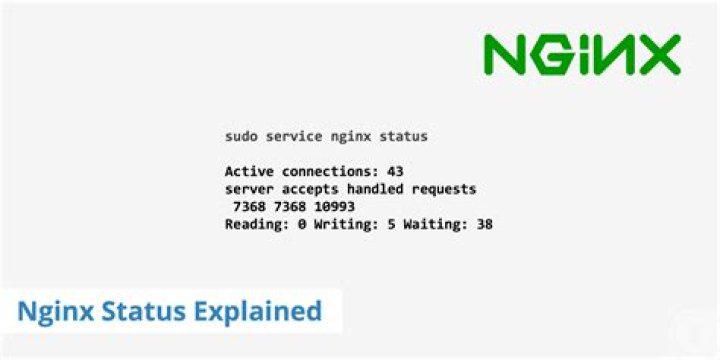
service nginx status This is probably system-dependent, but this is the simplest way I've found.
if [ -e /var/run/nginx.pid ]; then echo "nginx is running"; fi That's the best solution for scripting.
2You could use lsof to see what application is listening on port 80:
sudo lsof -i TCP:80 If you are on mac machine and had installed nginx using
brew install nginx then
brew services list is the command for you. This will return a list of services installed via brew and their corresponding status.

The modern (systemctl) way of doing it:
systemctl is-active nginx You can use the exit value in your shell scripts as follows:
systemctl -q is-active nginx && echo "It is active, do something" service nginx status will work on a non-systemd based version.
On systemd based versions such as Ubuntu Linux 16.04 LTS and above, make use of the command below;
systemctl status nginx For Mac users
I found out one more way: You can check if /usr/local/var/run/nginx.pid exists. If it is - nginx is running. Useful way for scripting.
Example:
if [ -f /usr/local/var/run/nginx.pid ]; then echo "Nginx is running" fi None of the above answers worked for me so let me share my experience. I am running nginx in a docker container that has a port mapping (hostPort:containerPort) - 80:80 The above answers are giving me strange console output. Only the good old 'nmap' is working flawlessly even catching the nginx version. The command working for me is:
nmap -sV localhost -p 80 We are doing nmap using the -ServiceVersion switch on the localhost and port: 80. It works great for me.
The other way to see it in windows command line :
tasklist /fi "imagename eq nginx.exe" INFO: No tasks are running which match the specified criteria.
if there is a running nginx you will see them
Can also use the following code to check the nginx status:
sudo /etc/init.d/nginx status Not sure which guide you are following, but if you check out this page,
It uses another command
ip addr show eth0 | grep inet | awk '{ print $2; }' | sed 's/\/.*$//' and also indicates what result is expected.
2



