
I've install the conda package as such:
$ wget $ bash miniconda $ conda install numpy pandas scipy matplotlib scikit-learn nltk ipython-notebook seaborn I want to uninstall it because it's messing up my pips and environment.
- How do I uninstall conda totally?
- Will it uninstall also my pip managed packages? If so, is there a way to uninstall conda safely without uninstalling packages managed by pip?
5 Answers
In order to uninstall miniconda, simply remove the miniconda folder,
rm -r ~/miniconda/ As for avoiding conflicts between different Python environments, you can use virtual environments. In particular, with Miniconda, the following workflow could be used,
$ wget -O ~/miniconda.sh $ bash miniconda $ conda env remove --yes -n new_env # remove the environement new_env if it exists (optional) $ conda create --yes -n new_env pip numpy pandas scipy matplotlib scikit-learn nltk ipython-notebook seaborn python=2 $ activate new_env $ # pip install modules if needed, run python scripts, etc # everything will be installed in the new_env # located in ~/miniconda/envs/new_env $ deactivate The proper way to fully uninstall conda (Anaconda / Miniconda):
Remove all conda-related files and directories using the Anaconda-Clean package
conda activate your_conda_env_name conda install anaconda-clean anaconda-clean # add `--yes` to avoid being prompted to delete each oneRemove your entire conda directory
rm -rf ~/miniconda3Remove the line which adds the conda path to the
PATHenvironment variablevi ~/.bashrc # -> Search for conda and delete the lines containing it # -> If you're not sure if the line belongs to conda, comment it instead of deleting it just to be safe source ~/.bashrcRemove the backup folder created by the the Anaconda-Clean package NOTE: Think twice before doing this, because after that you won't be able to restore anything from your old conda installation!
rm -rf ~/.anaconda_backup
Reference: Official conda documentation
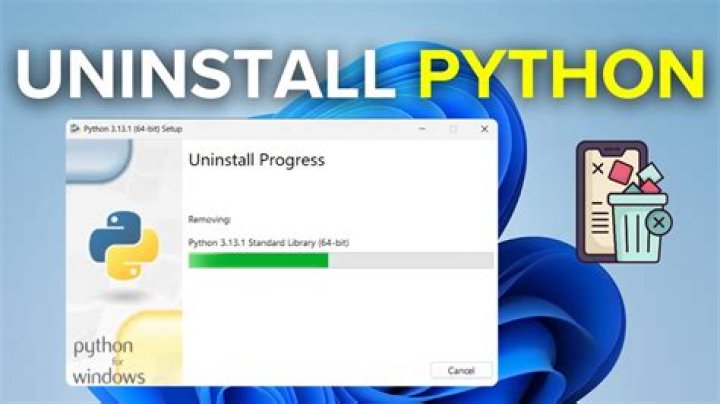
2If you are using windows, just search for miniconda and you'll find the folder. Go into the folder and you'll find a miniconda uninstall exe file. Run it.
your have to comment that line in ~/.bashrc:
#export PATH=/home/jolth/miniconda3/bin:$PATH and run:
source ~/.bashrc To update @Sunil answer: Under Windows, Miniconda has a regular uninstaller. Go to the menu "Settings/Apps/Apps&Features", or click the Start button, type "uninstall", then click on "Add or Remove Programs" and finally on the Miniconda uninstaller.




