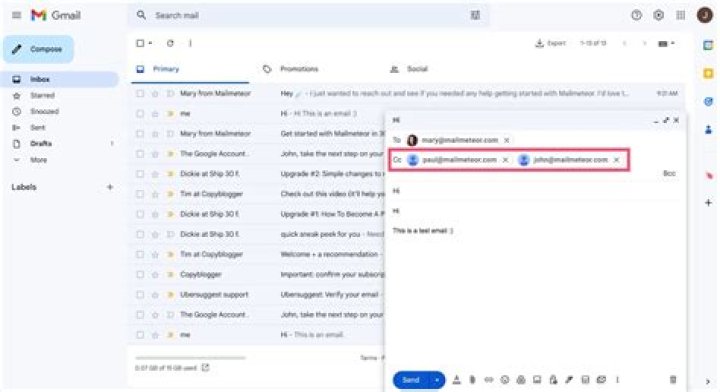

I'm using VBA in Outlook to call an email template. I want the VBA to populate the From, To, Cc fields.
VBA opens the template and creates a new email message but the From, To and Cc fields are empty.
Sub Step_1() Set OutApp = CreateObject("Outlook.Application") Set OutMail = OutApp.CreateItem(olMailItem) Set msg = Application.CreateItemFromTemplate("C:\Myfolder\Templates\Action Required documents needed.oft") With OutMail .SentOnBehalfOfName = "[email protected]" .To = "[email protected]" .CC = "[email protected]" msg.Display End With On Error GoTo 0 Set OutMail = Nothing Set OutApp = Nothing End Sub 1 Answer
The way I understand it, there are two approaches:
- using CreateItem method in order to create default items
- using CreateItemFromTemplate method so you can create items based on templates
Let's start with the first approach. The syntax is as follow: expression.CreateItem(ItemType), where the expression returns Application object and ItemType is a required argument (you can choose from: olContactItem, olDistributionItem, olMailItem etc.). So you can create a new email message like this:
Sub email_option1() Dim msg As MailItem Set msg = Application.CreateItem(ItemType:=olMailItem) With msg .To = 'recipient .CC = 'CCs .Subject = 'subject .Body = 'body of the email .Attachments.Add ("C:\Attachments\Test File.docx") 'if any attachments needed .Importance = olImportanceHigh 'if it is important .Display 'or .Send End With Set msg = Nothing End Sub Or you can choose the second approach, probably wanted by you as you mentioned having a template ready to use. The syntax would be: expression.CreateItemFromTemplate(TemplatePath, InFolder), where again expression returns an Application object, TemplatePath is required string argument that tells us where the template we want to use is located. InFolder is optional argument that I never use (not entirely sure what it does). So your code could be like:
Sub email_option2() Dim msg As MailItem Set msg = Application.CreateItemFromTemplate("C:\Myfolder\Templates\Action Required documents needed.oft") With msg .To = "[email protected]" .CC = "[email protected]" .Subject = 'subject .Display 'or .Send End With Set msg = Nothing End Sub As for the .SentOnBehalfOfName = "[email protected]" line. I am not sure it does what you want it to do. Look here: SentOnBehalfOfName Microsoft Help, Issue with SentOnBehalfOfName or More on SentOfBehalfOfName. If this is what you want to achieve, then you can simply put this line back to the code.




