
I have just installed sass and I am now tryring to access the sass file. For example:
sass --watch ~/Desktop/sass/css/style.css:style.css and the error is "no such file or directory" - So how can I do this?
My mac version is 10.6.8
1 Answer
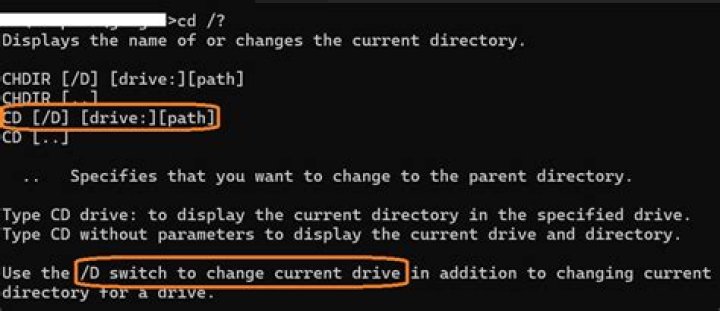
To check that the file you're trying to open actually exists, you can change directories in terminal using cd. To change to ~/Desktop/sass/css: cd ~/Desktop/sass/css. To see what files are in the directory: ls.
If you want information about either of those commands, use the man page: man cd or man ls, for example.
Google for "basic unix command line commands" or similar; that will give you numerous examples of moving around, viewing files, etc in the command line.
On Mac OS X, you can also use open to open a finder window: open . will open the current directory in finder. (open ~/Desktop/sass/css will open the ~/Desktop/sass/css).




