![How to fix my local ip address [duplicate]](https://liberty.io/uploads/how-to-fix-my-local-ip-address-duplicate_720.jpg)
I want my private IP address 192.168.xxx.xxx to be fixed and do not change, Is it possible? I am using Ubuntu 14.04. I need it to work even when I change the network? Thank's
3 Answers
Yes it is possible to static your IP
The following steps describes how to configure static IP address on Ubuntu 14.04.
You need to edit the file /etc/network/interfaces.
I have used gedit as an editor. If you don't have it installed you can replace it with vim or whichever you have.
sudo gedit /etc/network/interfaces Then change to include the following:
# The loopback network interface auto lo iface lo inet loopback # The primary network interface auto eth0 #iface lo inet interface iface eth0 inet static address 192.168.1.122 netmask 255.255.255.0 gateway 192.168.1.1 dns-nameservers 8.8.8.8 8.8.4.4 ~ eth0 is the regular ethernet interface
address is the static IP address you choose
gateway is usually the router's IP address
dns-nameservers is the dns server IP address, this is needed for domain name resolution
After the change you can either reboot or run
sudo ifdown eth0 sudo ifup eth0 Check now. Run terminal and type:
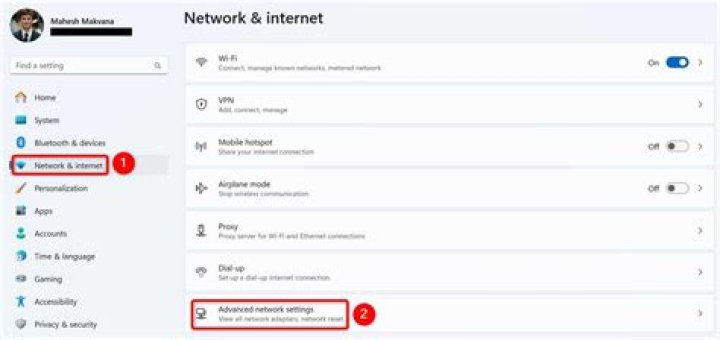
ifconfig In the dash search for "Network Connections" and open the application, from here select the interface you want and click on the edit button:
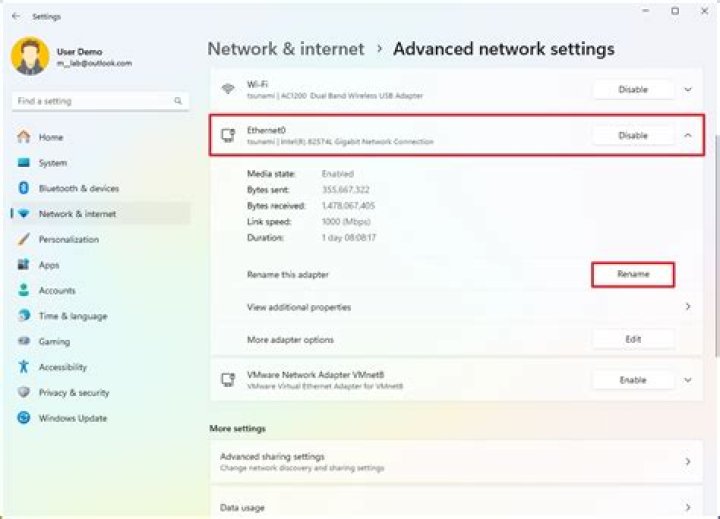
From here click on the IPv4 Settings tab and change the method from Automatic DHCP to Manual and enter your network setting to something like this:
Now all you need to do is save the settings and restart the network connection and the ip should be statically set.
Please bare in mind that these settings are specific to Ubuntu and if, for example another device on the network connects using your static IP through DHCP you won't be able to connect using your static IP because it would have already been assigned.
3You can set it from your box.
Just connect to it as an administrator and look for advanced options.
There should be a way to ask your box to give your computer always the same IP address.
2