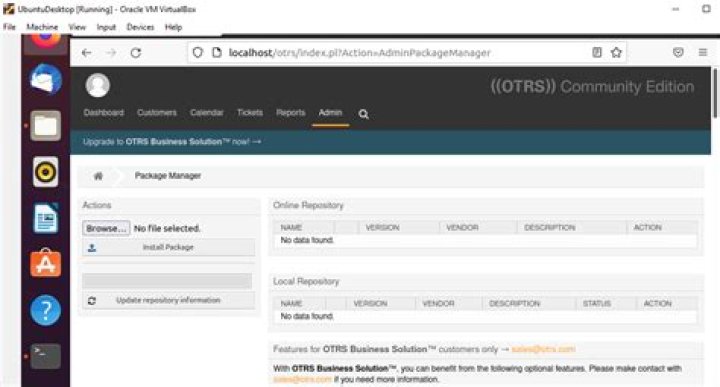
I've got my OTRS system up and running and I now need to configure it to use the ITSM addons for Asset Management. I've downloaded and installed these packages using the OTRS Package Manager: 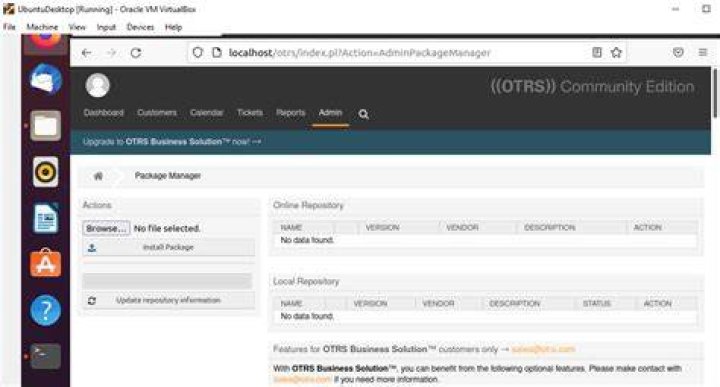
As far as I understand, I now need to configure the /opt/otrs/Kernel/config.pm file, but I'm not sure how. I've tried to edit the file using my otrsuser but am having some difficulty even accessing the file:
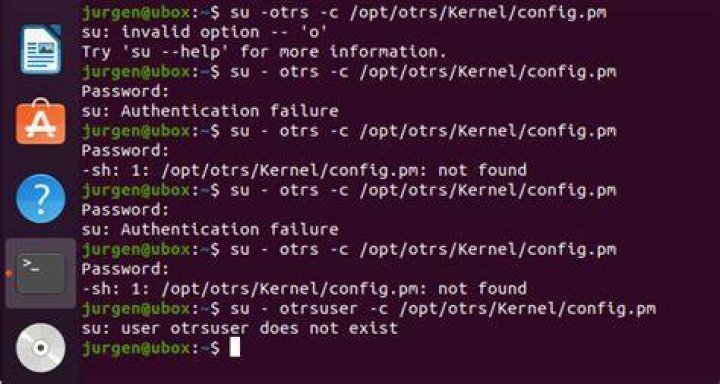
Is there a step-by-step guide available on how to do this please?
Sorry, I forgot to list the packages I installed using the OTRS Package Manager. I installed these:
ImportExport.opm ITSMServiceLevelManagement.opm ITSMIncidentProblemManagement.opm ITSMCore.opm ITSMConfigurationManagement.opm ITSMChangeManagement.opm GeneralCatalog.opm 1 Answer
After the packages are installed, you need to add the permission groups to your user.
You may need to log out and log in again and then you should be able to see the ITSM related menu modules.
2