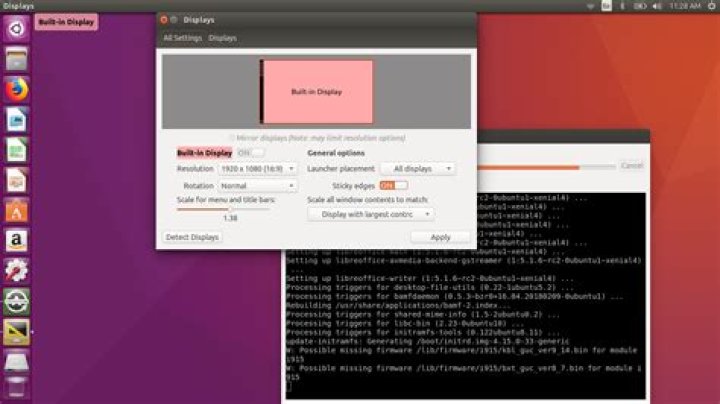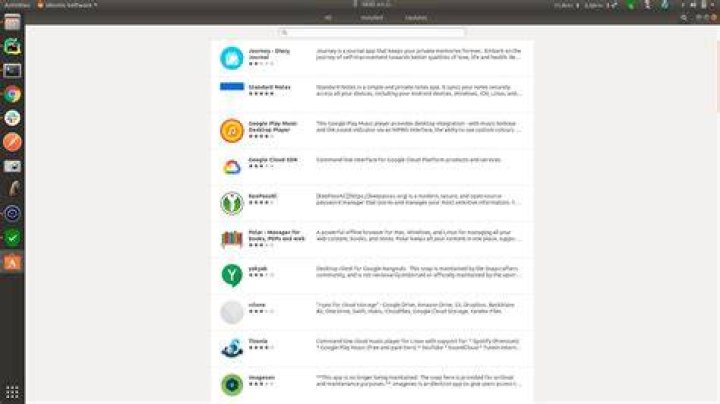

I have create a package call google for test the debain packages. I installed it and now we can see it on application window as well.
In here 3rd row, 3rd one is my installed package.
When I right click it and click "Show Details", it just open the "Ubuntu Software" window without displaying my installed package. I want to display it there with the icon like other packages do.
Here is my directory structure,
. ├── google_1.0.0_all │ ├── DEBIAN │ │ └── control │ └── usr │ ├── bin │ │ └── google │ └── share │ ├── applications │ │ └── google.desktop │ └── icons │ └── google.png There are things in the files,
DEBIAN/control
Package: google Version: 1.0.0 Architecture: all Priority: optional Maintainer: Gmail Yahoo <> Installed-Size: 327000 Homepage: Section: Network, Databases, Web Servers, JavaScript, Python; Description: Google usr/bin/google
#!/bin/bash usr/share/applications/google.desktop
#!/usr/bin/env xdg-open [Desktop Entry] Version=1.0.0 Type=Application Terminal=true Exec=/usr/bin/google Name=Google Comment=no comments. Icon=/usr/share/icons/google.png Did I miss any point? I followed this article mainly and other articles as well. But wasn't able to find good resource which fulfill this requirement.
2 Reset to default