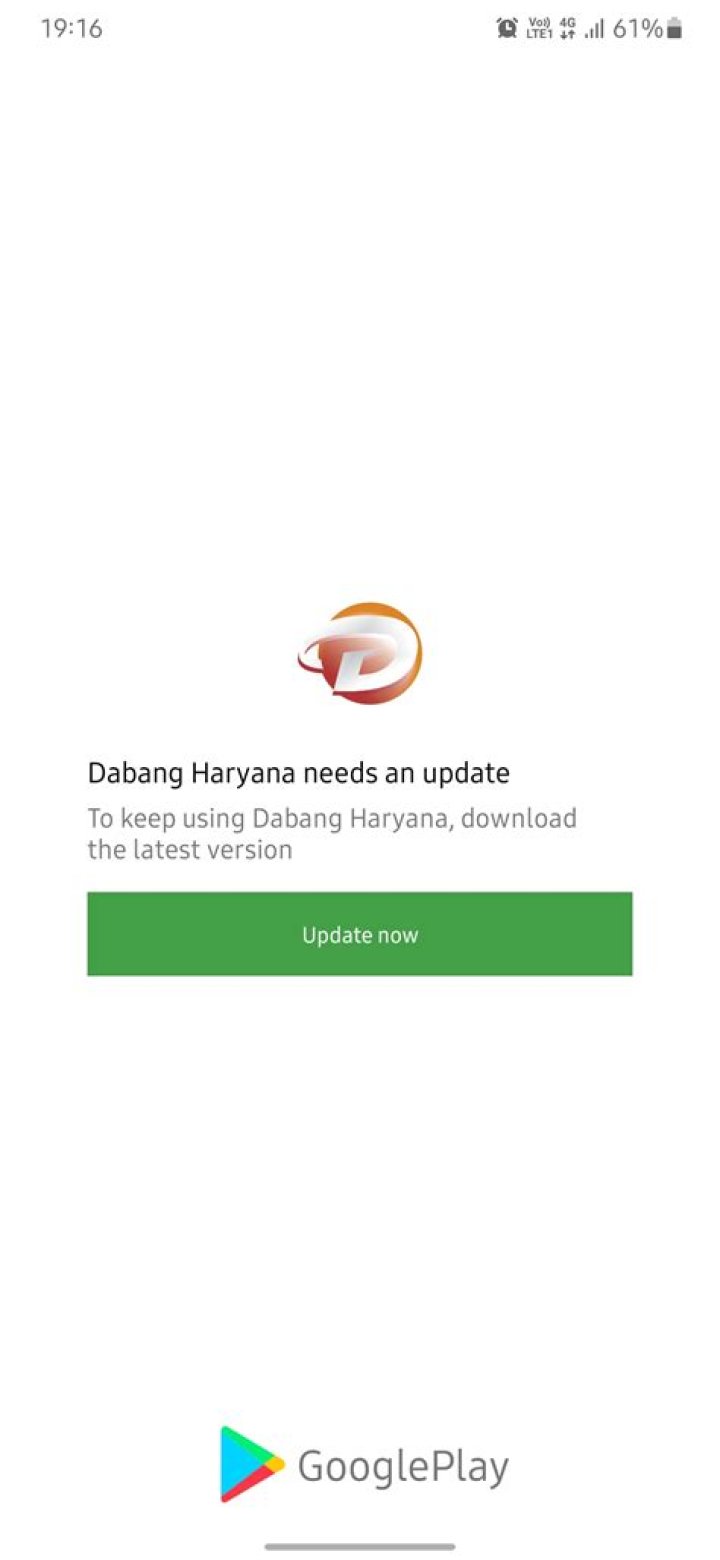
How do apps update internally automatically without updating from playstore? I mean the internal data of app is changed (via internet) without updating from playstore. For eg any Contest app, or Facebook app. Here the newsfeed is updated automatically.
What is the technical term for that?
Any tutorial on it?
36 Answers
If you would like to check if you app has updates (without interacting with Google Play), you'd have to poll a server (providing your current version) and let the server check if there is a newer version available. If that is the case, let the server respond with a changelog and an url to the newer version.
Luckily, there are libraries to do this:
- AppUpdater. Android Library that checks for updates on your own server (or Google Play, Github, etc). Great documentation. This library notifies your apps' updates by showing a Material dialog, Snackbar or notification.
- Android Auto Update. Chinese library, but should do the trick, one of the most popular libraries to do this, but this can be just because Google Play is not available in China.
- AppUpdateChecker A simple non-Market way to keep your app updated. All it requires to set up is a URL pointing to a JSON document describing your app's changes.
- Auto Updater This project allows to automatically update a running APK application using a private update server (see apk-updater) instead of Google Play updater. Also comes with a server script.
- SmartUpdates. Older library, but instructions in English and also provides a server script.
- WVersionManager. Checks for updates, but actual update has to be downloaded from the Play Store.
has the perfect and still working implementation on opening a downloaded APK file...
private fun install(downloadedAPK: File, context: Context) { val intent = Intent(Intent.ACTION_INSTALL_PACKAGE) intent.setDataAndType(Uri.fromFile(downloadedAPK), "application/vnd.android.package-archive") intent.flags = Intent.FLAG_ACTIVITY_NEW_TASK var oldVmPolicy: StrictMode.VmPolicy? = null if (Build.VERSION.SDK_INT >= Build.VERSION_CODES.N) { oldVmPolicy = StrictMode.getVmPolicy() val policy = StrictMode.VmPolicy.Builder() .penaltyLog() .build() StrictMode.setVmPolicy(policy) } context.startActivity(intent) if (oldVmPolicy != null) { StrictMode.setVmPolicy(oldVmPolicy) } } Also have a look on AppCenter (Former HockeyApp) in-app updates
Answer from Mdlc is about updating the app itself but not the content.
What initially asked is how to create an App with dynamic content such Facebook or any other newsfeed app.
Any kind of such apps has 2 parts:
- Server
- Client
Server stores the whole information you need and client make requests to that server and displays information.
Let's say server stores in DB one entry called News#1. Client requests list of news and get back array[News#1] as response and show one tile on screen. Then somebody creates new entry News#2. On next request to the server client will get array of 2 elements: array[News#1, News#2] and displays this dynamic content.
REST Api Client is what to start with.

Here is the alternate
try this google library to update from the application
dependencies { implementation 'com.google.android.play:core:1.5.0' ...} You can try this library: implementation 'com.github.vermat516:HelperLibrary:1.0.1' This is best from my view we only have to write is:
new UniversalHelper(this).updateApp(); Rest of the work will automatically done by the library
This is response how your app will look like[This]
1



