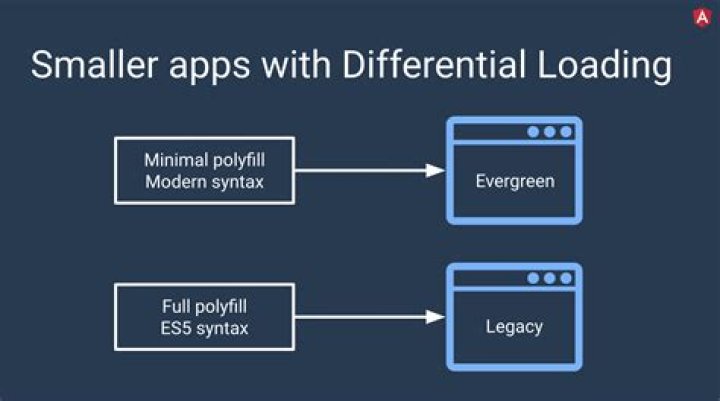

Differential loading is a strategy where the CLI builds two separate bundles as part of your deployed application.
Differential loading is supported by default with version 8 and later of the Angular CLI. For each application project in your workspace, you can configure how builds are produced based on the browserslist and tsconfig.json files in your application project.
If we have two separate bundles with differential loading features, will it cause the build size issue and application performance?
Please share your suggestions so I can choose this feature with my current project.
11 Answer
Differential loading is a process by which the browser chooses between modern or legacy JavaScript based on its own capabilities. We now take advantage of this by default by performing a modern build (es2015) and a legacy build (es5) of your application. When users load your application, they’ll automatically get the bundle they need.
In short it will make it so newer browsers got a bundle with newer capabilities, and older browsers will get a transpilled version. So yes it will increase the size of your application on server, but won't increase the bundle that will be downloaded ( you won't download both bundles etc).
If you look at the generated index.html for example:
<script src="runtime-es2015.33c6d44d6f111520cede.js" type="module"></script> <script src="runtime-es5.33c6d44d6f111520cede.js" nomodule defer></script> the <script> tag with type="module will be downloaded by newer browsers, and they will ignore the <script> with nomodule attribute :
The nomodule attribute is a boolean attribute that prevents a script from being executed in user agents that support module scripts.




