
I am using Ubuntu 18.04 LTS on the Windows 10 PC with Windows Subsystem for Linux turned on so that I can run Linux on the PC. I tried to use Gstreamer-1.0 then.
When running the line:
gst-launch-1.0 videotestsrc ! autovideoconvert ! autovideosink I get the error:
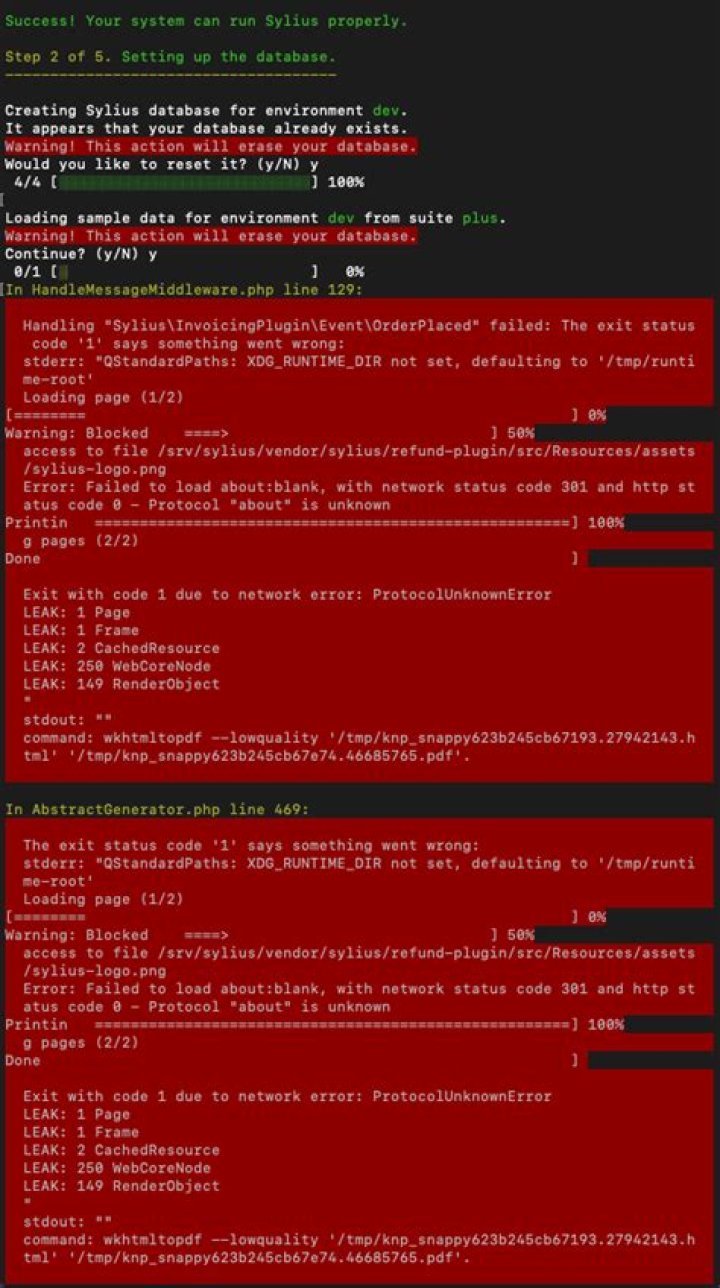
error: XDG_RUNTIME_DIR not set in the environment. And then it does nothing. What must I do to fix this?
For extra info here is the complete 'code':
gst-launch-1.0 videotestsrc ! autovideoconvert ! autovideosink Setting pipeline to PAUSED ... error: XDG_RUNTIME_DIR not set in the environment. error: XDG_RUNTIME_DIR not set in the environment. Pipeline is PREROLLING ... WARNING: from element /GstPipeline:pipeline0/GstAutoVideoSink:autovideosink0: Could not initialise Xv output Additional debug info: xvimagesink.c(1773): gst_xv_image_sink_open (): /GstXvImageSink:autovideosink0-actual-sink-xvimage: Could not open display (null) Pipeline is PREROLLED ... Setting pipeline to PLAYING ... New clock: GstSystemClock ^Chandling interrupt. Interrupt: Stopping pipeline ... Execution ended after 0:00:05.400472100 Setting pipeline to PAUSED ... Setting pipeline to READY ... Setting pipeline to NULL ... Freeing pipeline ... 1 Answer
The solution from this answer worked for me
To make it easy - more explained the new booting of my system.
After all explanations here I came to the result - and "env" in terminal said already that is right for these session:
These two rows to use the environment variable:
for the tmp behavior I have chosen:
mkdir -pv ~/.cache/xdgr For setting the environment variable:
export XDG_RUNTIME_DIR=$PATH:~/.cache/xdgr After closing the terminal and a new open for the recall of env they tells:
XDG_RUNTIME_DIR=/run/user/1001