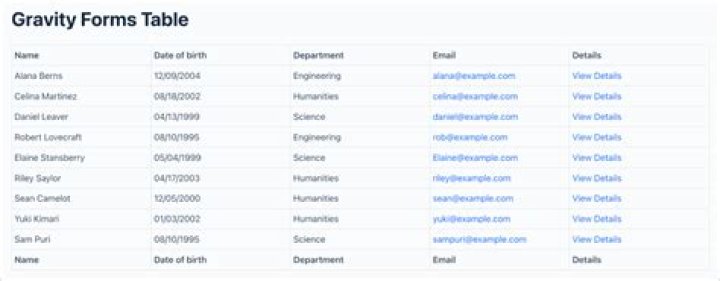

Would anyone happen to know how to set readonly in a cell/column of gravity forms list field? I need one column for input and the others should not be edited by the user.
Gravity Perks has confirmed the list column is not supported by their plugin.
1 Answer
Add the following to an HTML field on your form: **
You will need to know the list field id and the column you want to make read-only. If your list field is 32 for instance and you want the second column to be "read-only", you would replace the second line below with .gfield_list_32_cell2 <script> jQuery(document).ready(function(){ jQuery( '.gfield_list_1_cell1' ).find( 'input, select, textarea' ).each( function() { if ( jQuery( this ).val() != '' ) { jQuery( this ).prop( 'readonly', true ); } }); }); </script> 



