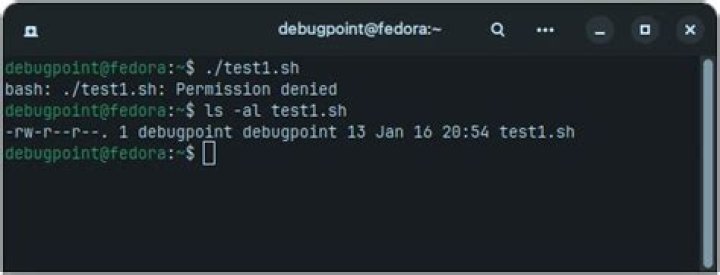

I want a script to execute a few commands in chroot. So, like this answer proposed scripting chroot, how to? I added the following part in my script, creating a .sh file with the commands I want it to execute.
cat <<EOF >/mnt/grubscript.sh #!/bin/bash cp /proc/mounts /etc/mtab grub-install /dev/vdb grub-install --recheck /dev/vdb EOF chroot /mnt ./grubscript.sh This generates the following error:
chroot: failed to run command ‘./script.sh’: Permission denied I tried chmod 777 and chmod +x but that doesn't work. The file has been created right, and cannot be executed manually from chroot as well.
1 Answer
The inquirer solved it by changing
chroot /mnt ./grubscript.sh to:
chroot /mnt /bin/bash grubscript.sh 



