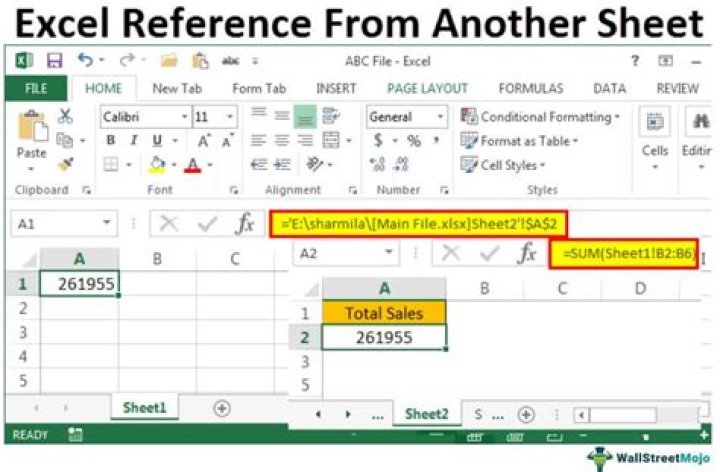

I'm working on an excel document where I'm referencing another sheet. The columns in the sheet that I'm working on contains the same formula only the letter changes.
=Sheet7!C$16/Sheet7!C$21 =Sheet7!D$16/Sheet7!D$21 =Sheet7!E$16/Sheet7!E$21
etc. However Excel won't let me drag this down and I don't want to have to do this by hand 100s of times. Any help is appreciated.
11 Answer
Remove the $ from the formula for the cell reference you want to automatically fill in.
For example, to have C16 expand to C17, C18, etc. remove the $ from that, but not from C$21 if you want that to stay the same.
=Sheet7!C16/Sheet7!C$21
$ is an absolute cell reference, which keeps it the same when you drag it down. Without the $ Excel will increment the row number each row as you drag it down.




