
I zipped a directory on my Mac OSX with the zip command line and -r option. I scp the .zip to a cluster operating on Linux.
If I try to decompress the .zip with
tar -vxzf foo.zip
on my machine it works. But the same command doesn't work on the cluster. I get the error
gzip: stdin has more than one entry--rest ignored tar: Child returned status 2 tar: Error is not recoverable: exiting now How can I solve this issue?
3 Answers
The tar command is for unpacking TAR archives, not zip files. You should either use the unzip command instead of tar:
unzip foo.zip Or make a tar.gz archive on the Mac side instead of a zip file
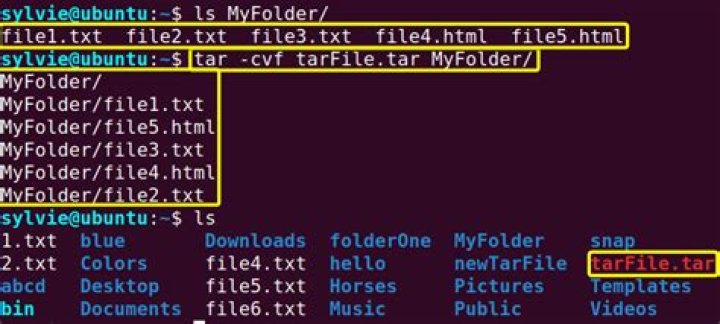
tar -cvzf foo.tar.gz .... which you can unpack with your existing tar command on the Linux side.
This error :
gzip: stdin has more than one entry--rest ignored Means that tar is trying to decompress your zip archive as if it was a gzip archive, that doesn't always work (see "Files created by zip can be uncompressed by gzip only if they have a single member compressed with the 'deflation' method" for more info).
You should use unzip foo.zip instead to decompress a zip archive.
Standard GNU tar doesn't handle .zip files directly. I'm surprised MacOSX handles it.
The problem is that tar knows how to handle gzip files, which are not Info-Zip (.zip) format files. Info-Zip files are designed to handle both archiving and compressing, while tar does not. (Most tar implementations now will filter the tar file with the proper compressor/decompressor based on the command-line options.)
Use unzip on your cluster instead. That's the program designed to handle .zip files. You shouldn't need tar at all.




