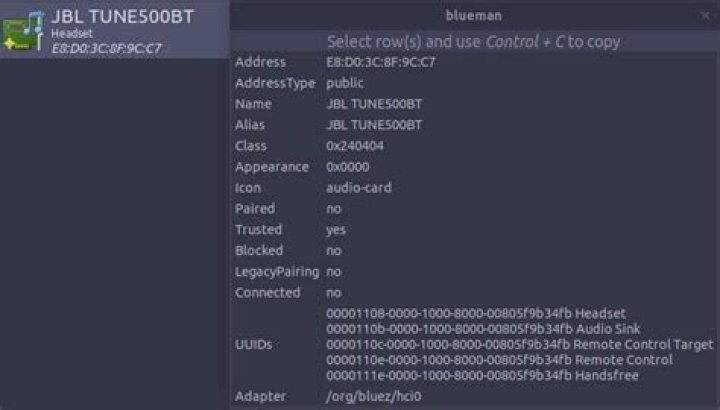
I've been trying to make my JBL TUNE500BT Headset work on Ubuntu 20.04, installed on Dell Vostro 5490, for two weeks, without success. When connecting the Headset, the service even finds the device, but at the time of connecting, there is a failure.
- I already updated the driver "by hand";
- I have reinstalled blueman and all dependencies;
- I have already entered countless links with guidelines, changing modules and settings.
Has anyone in this group experienced anything like this? 
I appreciate if anyone can guide me.
41 Answer
I got my audio to work. Still trying to get the mic to work.
For most ubuntu users there is an audio.conf file in /etc/bluetooth/. For me it was a main.conf.
Under [General], include the following lines:
Enable=Gateway,Source Disable=Socket AutoConnect=true [Headset] MaxConnected=1 [A2DP] SBCSources=1 MPEG12Sources=0 Then when you go to your bluetooth manager, ensure that you select High Fidelity Playback (A2DP Sink). This doesn't solve the problem with the mic though. These steps comes from the post: Ubuntu 13.04 bluetooth A2DP does not work