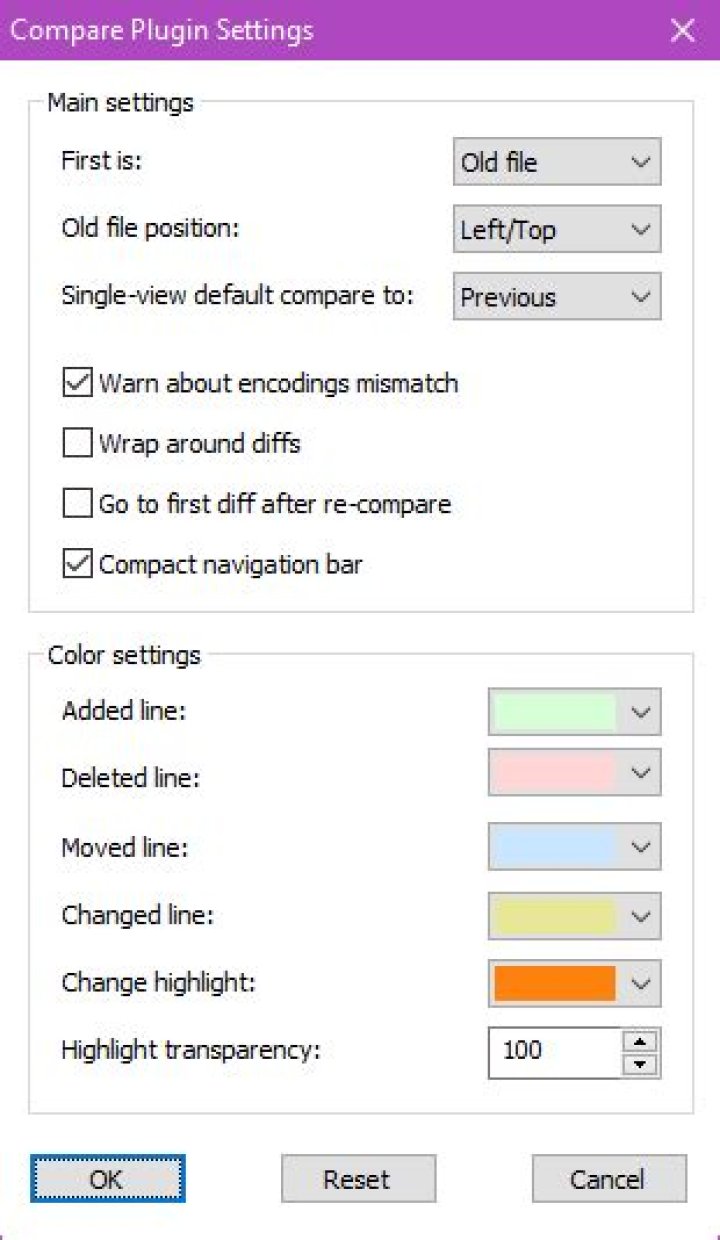
Anyway to choose a better color scheme for the notepad++ compare feature?
I can't read any of it!!
I tried to report the bug on sourceforge but couldn't figure out how to make a new ticket and gave up.

3 Answers
The latest version of the Compare plugin (and possibly older versions, but I haven't checked) allows you to configure the background colors under Plugins → Compare → Settings.
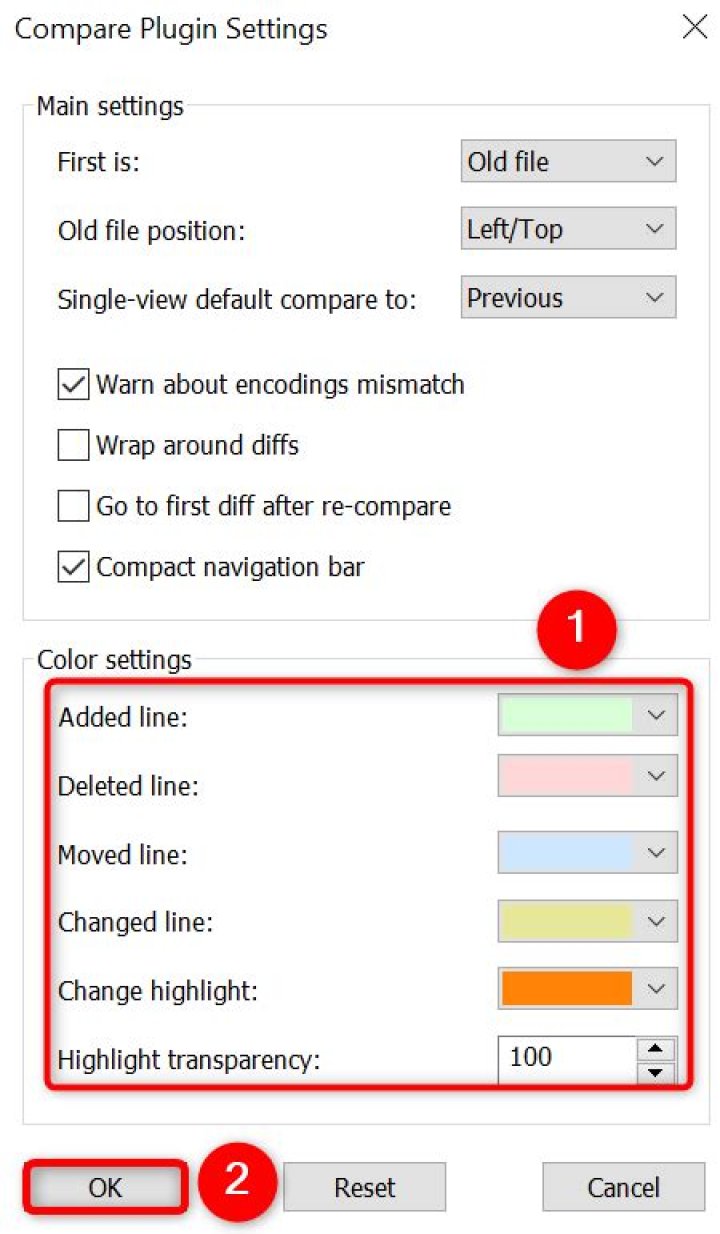
I just edited the color setting of Compare plugin manually, and found the setting is stored in ComparePlugin.ini at %APPDATA%/Notepad++/plugins/config.
My own color setting is below (for vim Dark Blue style):
[Colors] Added=32768 Removed=8388608 Changed=8388736 Moved=16744448 Highlight=65535 ... Go to Settings => Style Configurator and play around with : Select Theme or Global Styles.
Hope that will help you. Good luck.




