
I'm running Debian 6 and I need to know what version of PHP I'm running, is there a command for this which I can run?
I tried "php -i" and "php -v" from a previous question..
root@azaz07:/srv/www/ php -i bash: php: command not found root@azaz07:/srv/www/ php -v bash: php: command not found 1 Answer
I tried "php -v"
A command like this will only work if you have the CLI version of PHP installed. If you have only the Apache module version of PHP this will not work.
You can install the CLI version with this command:
apt-get install php5-cli That should make the info and version commands work.
If PHP was installed via your package manager then a command like this might give useful results.
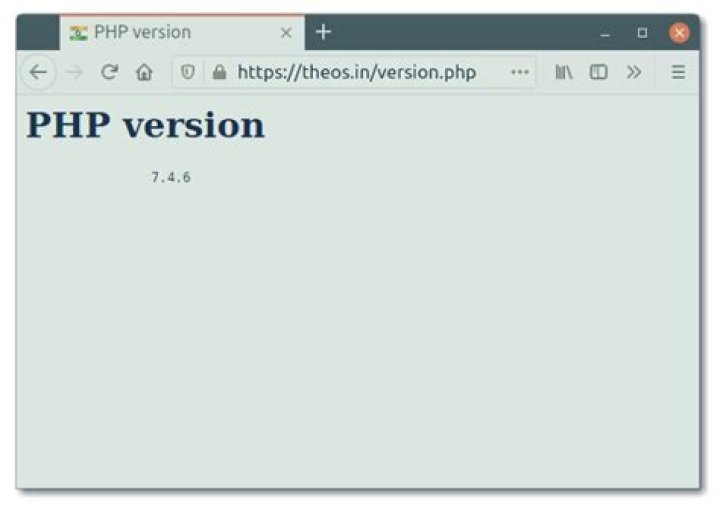
# dpkg -l | grep php ii libapache2-mod-php5 5.3.3-7+squeeze17 server-side, HTML-embedded scripting language (Apache 2 module) ii libphp-phpmailer 5.1-1 full featured email transfer class for PHP ii libzend-framework-php 1.11.9-0ubuntu1 a simple, straightforward, open-source software framework for PHP 5 ii libzend-framework-zendx-php 1.11.9-0ubuntu1 a simple, straightforward, open-source software framework for PHP 5 ii php-apc 3.1.3p1-2 APC (Alternative PHP Cache) module for PHP 5 ii php-html-common 1.2.5-1 A base class for other HTML classes hi php-html-template-it 1.3.0-1 Integrated Templates ... If PHP wasn't installed with your package manager and instead manually installed, then you might have to simply create a PHP script that looks like this <?php phpinfo(); and then access that script through your web browser.




