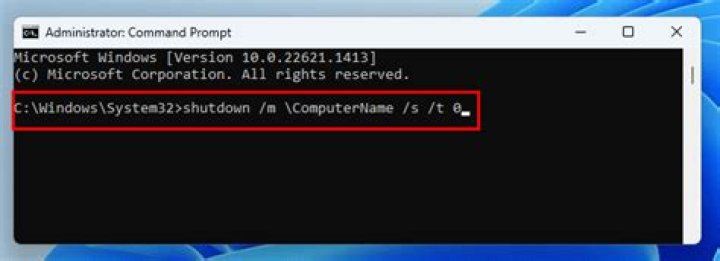

I know we can reboot windows with shutdown /r /t 0 command, but is there any way to restart just running reboot on Run?
3 Answers
You could create a .bat script containing the command(shutdown -r -t 0), save it as reboot.bat and then place it somewhere suitable on your system. If the location is not already in PATH, add it to PATH using the command below. This will work when using it in CMD. For use with RUN, see grawity's comment below.
set PATH = %PATH%;C:/Directory/Where/You/Saved Actually, I've created a bat file with following lines @echo off shutdown /r /t 0 And placed in %windir%/system32/reboot.bat didn't add the path. I've tested with Run and command prompt, working fine Thanks for your help
echo shutdown /r /t 0 > reboot.cmd reboot 



