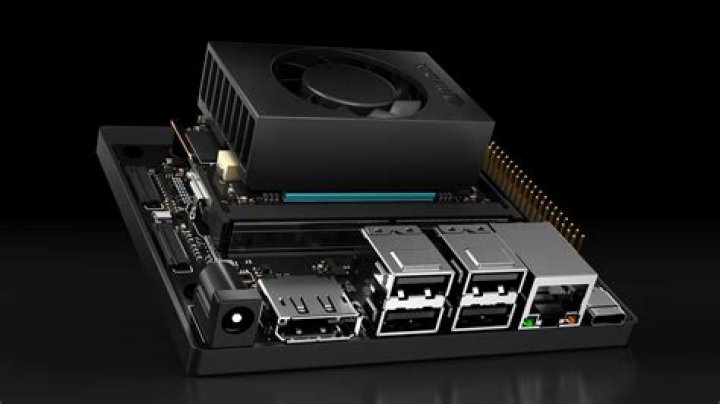

I am trying to build a custom NVIDIA Jetson Nano image (aarch64 architecture) inside a Docker container (running Ubuntu 20.04 x64). I skip the NVIDIA tools part because I am stuck on the first part when creating proofs. I am using the following commands:
apt-get update apt-get install --no-install-recommends -q -y ca-certificates curl dialog apt-utils bzip2 python gdisk binfmt-support qemu qemu-user-static debootstrap mkdir -p rootfs qemu-debootstrap --arch=arm64 --variant=minbase --keyring=/usr/share/keyrings/ubuntu-archive-keyring.gpg focal rootfs I also tried
debootstrap --arch=arm64 --foreign --variant=minbase --keyring=/usr/share/keyrings/ubuntu-archive-keyring.gpg focal rootfs chroot rootfs qemu-aarch64-static /bin/bash -c '/debootstrap/debootstrap --second-stage' but I always get the following error when doing this using GitLab CI.
I: Running command: chroot test /debootstrap/debootstrap --second-stage chroot: failed to run command '/debootstrap/debootstrap': Exec format error ERROR: Job failed: exit code 1 When I run this locally in WSL or even in a local Docker container, it works.
I also tried Ubuntu 18.04.4 or skipping "custom rootfs" part at all. However, I need emulation part anyway since NVIDIA tools are executing aarch64 binaries anyway.
Installing BSP Debian packages in /builds/richardds/jetson-nano-image/build/rootfs chroot: failed to run command 'dpkg': Exec format error ERROR: Job failed: exit code 1 Could you please recommend me how can I fix it or any other working way to create custom aarch64 rootfs in GitLab-CI environment (running Docker containers)?
1 Answer
Host operating system running Docker daemon must have binfmt-support package installed and binfmt_misc module loaded.
apt-get install binfmt-support modprobe binfmt_misc