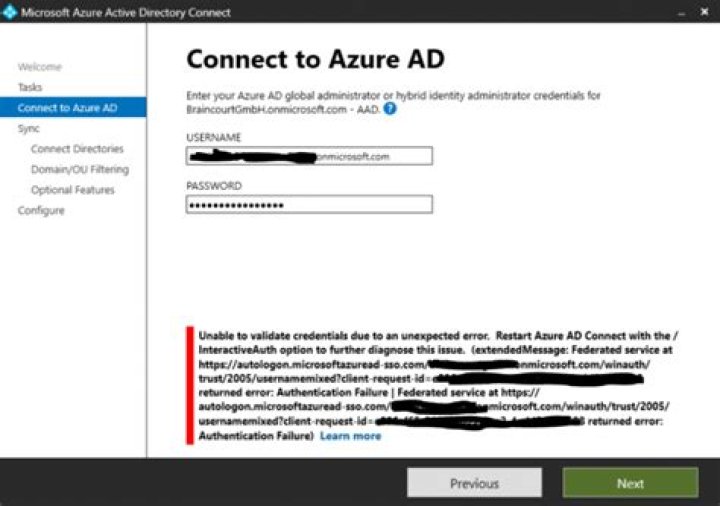

I am working on a already functioning Azure Ad Connect VM, it syncs and the proxy connection responds with the code 200. BUT whenever i want to sign in, in the AAD connect in my VM, with my admin Account, i get this error. "Unable to validade credentials due to an expected error. Restart Azure AD Connect with th/ InteractiveAuth Option to further diagnose this issue."
Any idea what must cause this? I have tried every forum idea i could find with no answer. OH and upgrading is also no idea since to upgrade i need to SIGN IN also...which i can´t.
Thanks!
62 Answers
Steps to resolve the issue:
- Navigate to directory on the server where AD Connect is installed and copy the path (“C:\Program Files\Microsoft Azure Active Directory Connect”).
- Open command prompt and change directory to the above copied path.
- Type and run /AzureADConnect.exe /InteractiveAuth in the prompt.
- After you have performed the above steps, login using the same account and upgrade the Azure AD Domain Controller.
Run below command in cmd (Command Prompt) and login to account.
It will open AAD Client Connect login dialog with GUI
"C:\Program Files\Microsoft Azure Active Directory Connect\AzureADConnect.exe" /interactiveauth 



