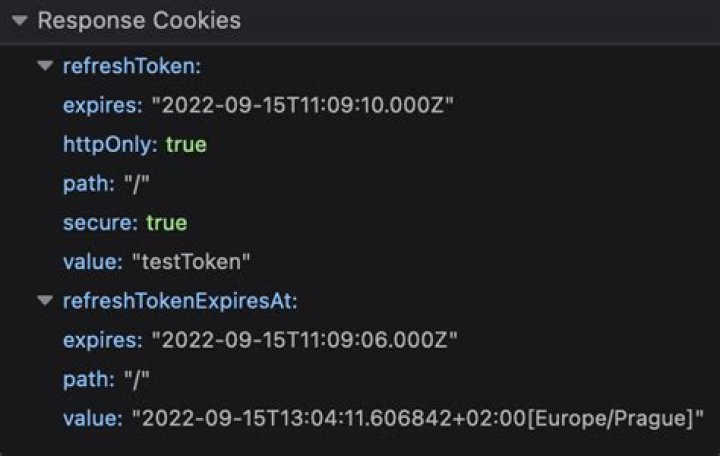

I am executing a basic puppeteer script that opens a webpage looks at response values and then pulls the cookies.
In the example below the response header has the following key values:
page.on('response', response => { const req = response.request(); const resp = response; let result = {}; result['method'] = req.method; result['status'] = resp.status; result['url'] = req.url; result['headers'] = resp.headers; // Output of result['headers'] shortened for example u'server': u'Microsoft-IIS/7.5', u'set-cookie': u'A6=030uxloava000EG.000010000; expires=Mon, 16-Apr-2018 21:30:52 GMT; domain=.serving-sys.com; path=/\nC6=; expires=Mon, 16-Apr-2018 21:30:52 GMT; domain=.serving-sys.com; path=/\nD3=; expires=Mon, 16-Apr-2018 21:30:52 GMT; domain=.serving-sys.com; path=/\nu2=7f11f3f6-8979-4adc-824e-4d43b67f9b374ib310; expires=Mon, 16-Apr-2018 21:30:52 GMT; domain=.serving-sys.com; path=/', u'x-powered-by': u'ASP.NET'}, In that header you'll see a set-cookie but when I call await page.cookies() right after page.on('response'... :
const cookies = await page.cookies(); const cookies will be []. Am I missing something here?
1 Answer
The response event fires before the request has actually completed. You could use requestfinished instead, but if you don't care about the individual HTTP requests (for all scripts, images, etc.), you can get the "final cookies" with just:
const page = await browser.newPage() await page.goto(') const cookies = await page. Cookies() 



