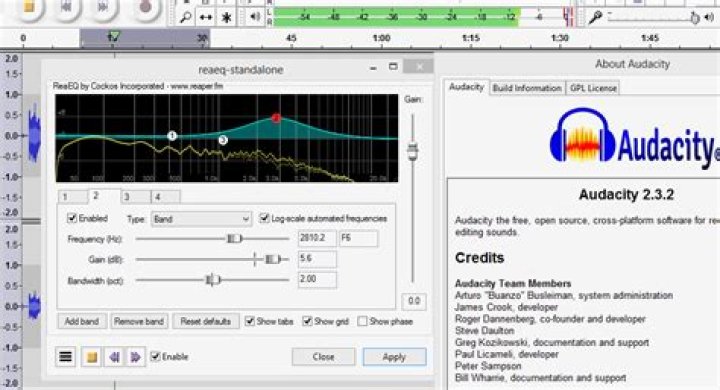

- Open Audacity
- Record a few seconds of audio and press stop. This works fine.
- Start recording again. In a fraction of a second, the recording stops on its own (recording button is un-highlighted, stop button disabled).
Sometimes Audacity hangs. Sometimes the new track never even appears.
If running audacity from the command line, this appears there at the moment of the problem:
ALSA lib pcm.c:8306:(snd_pcm_recover) underrun occurred Expression 'err' failed in 'src/hostapi/alsa/pa_linux_alsa.c', line: 3355 Expression 'ContinuePoll( self, StreamDirection_In, &pollTimeout, &pollCapture )' failed in 'src/hostapi/alsa/pa_linux_alsa.c', line: 3896 Expression 'PaAlsaStream_WaitForFrames( stream, &framesAvail, &xrun )' failed in 'src/hostapi/alsa/pa_linux_alsa.c', line: 4274 Even if not running from command line, this appears in /var/log/syslog at that moment:
Dec 16 10:37:52 myDesktop audacity.desktop[4765]: ALSA lib pcm.c:8306:(snd_pcm_recover) underrun occurred Dec 16 10:37:52 myDesktop audacity.desktop[4765]: Expression 'err' failed in 'src/hostapi/alsa/pa_linux_alsa.c', line: 3355 Dec 16 10:37:52 myDesktop audacity.desktop[4765]: Expression 'ContinuePoll( self, StreamDirection_In, &pollTimeout, &pollCapture )' failed in 'src/hostapi/alsa/pa_linux_alsa.c', line: 3896 Dec 16 10:37:52 myDesktop audacity.desktop[4765]: Expression 'PaAlsaStream_WaitForFrames( stream, &framesAvail, &xrun )' failed in 'src/hostapi/alsa/pa_linux_alsa.c', line: 4274 I've used Audacity for a bunch of other stuff and it works fine for that. It's just not overdubbing.
Didn't work
env PULSE_LATENCY_MSEC=30 audacity Versions
$ uname -a Linux myDesktop 4.13.0-19-generic #22-Ubuntu SMP Mon Dec 4 11:58:07 UTC 2017 x86_64 x86_64 x86_64 GNU/Linux $ apt list audacity Listing... Done audacity/artful,now 2.1.2-2 amd64 [installed] 1 Answer
I had edited /etc/pulse/default.pa to work around an issue with an earlier version of Ubuntu. I had manually remade the edit after updating to 17.10:
load-module module-udev-detect tsched=0 So I changed it back to:
load-module module-udev-detect Then I rebooted and everything worked fine. No idea if that was it, or the reboot or what.