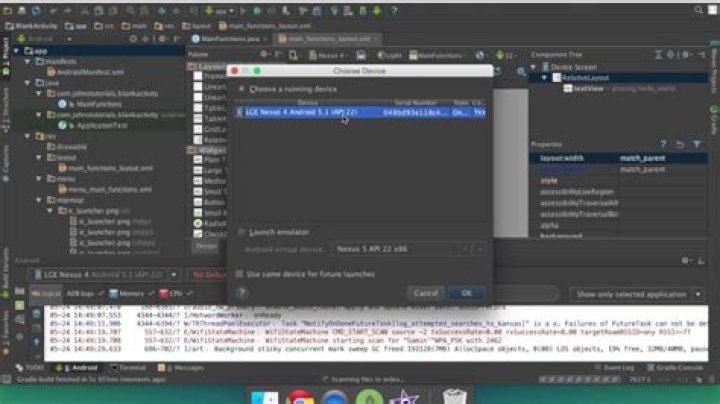

My Android Studio can start the emulator but then cant initialise the app. At first I start emulator through "Android Virtual Device Manager", then I click on "Run" button and select the "online", already launched and initialised, emulator.
On "messages" tab i receive the following message:
Error:no devices found
I also tried to start emulator by selecting "Run" button and selecting the emulator I want to start, but the result is the same.
Any ideas on how to fix this problem?
1 Answer
Make sure that your target sdk version is equal to the version that you are running in the Emulator .and make sure you have unchecked Tools > Android > Enable ADB Integration




