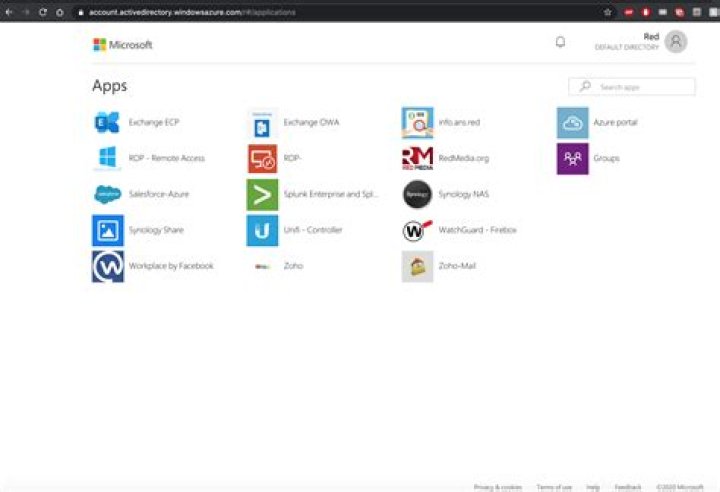

I have been trying to figure out how to add a custom URL for the myapps.Microsoft.com portal. I know it is possible but can not figure out how. I have tried adding a cname pointing to account.activedirectory.windowsazure.com and one pointing to iamux.aadg.windows.net.nsatc.net but I keep ending up with certificate errors. can anyone help?
2 Answers
You cannot add a custom URL for that portal in this way.
It would require you to not only redirect DNS queries, but also install an HTTPS certificate on Microsoft servers, which you can't do.
What you can do of course, is setup your own Web service at that URL which issues a redirect to the myapps portal.
3I figured out a workaround on how to add your own URLs and tiles in the myapps portal page.
Here is what I did, and it works perfectly fine for me.
Steps:
Go to "Azure Active Directory"
Go to "Enterprise applications"
- Click "+ New Application"
- Click "+ Create your own application"
- Give a name for the app (Your own web service server)
- Choose "Integrate any other application you don't find in the gallery"
- Now the app is created
- Under "Manage"
1)- Click "User and groups" - Add all the users/groups you wish them to view/use your new URL tile and save
2)- Click "Properties" - Upload image logo to something you want and save
3)- Click Single Sign-on - Select "Linked" mode - Then enter the URL you want and save.
Done. That should work like a charm




