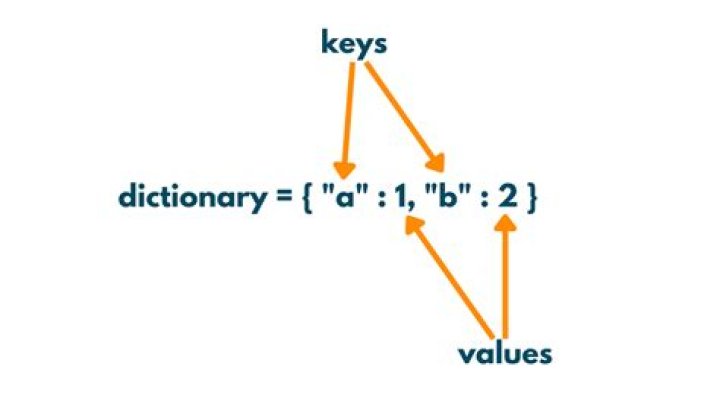

How do I access the key/value of a dictionary? I have this code:
Try If keystrokeDictionary.ContainsKey(letter) Then keystrokeDictionary.Keys.Equals(letter) End If Catch ex As Exception MsgBox(ex.Message) End Try Return letter Letter is a single letter that gets passed in with just its string value. Then keystrokedictionary is a dictionary that the information looks like this:
{[65, 0]} {[66, 1]} {[67, 2]} Where the key is the first number and the value is the second number. Since my code isn't looking at the key/value right, it's not returning a letter, and therefore not working.
62 Answers
Try like this,Use item to get corresponding value
letter = " "; If keystrokeDictionary.ContainsKey(letter) Then letter = keystrokeDictionary.Item(letter) End If Return letter .Equals() is not an assignment operator, but a comparison function.
Try
letter = " "; If keystrokeDictionary.ContainsKey(letter) Then letter = keystrokeDictionary.Values(letter) End If Return letter 



