
I use Ubuntu 20.04.3 WSL on Windows 10. I compiled my c++ program (which uses the SDL2 library) into an executable file named "main".
g++ -o main main.cpp CApp.cpp -lSDL2 -std=c++17 When I try to run the executable with the following command:
./main it returned:
error: XDG_RUNTIME_DIR not set in the environment. 1 Answer
Thanks for the comments. The answer is already answered here: QStandardPaths: XDG_RUNTIME_DIR not set, defaulting to '/tmp/runtime-aadithyasb'
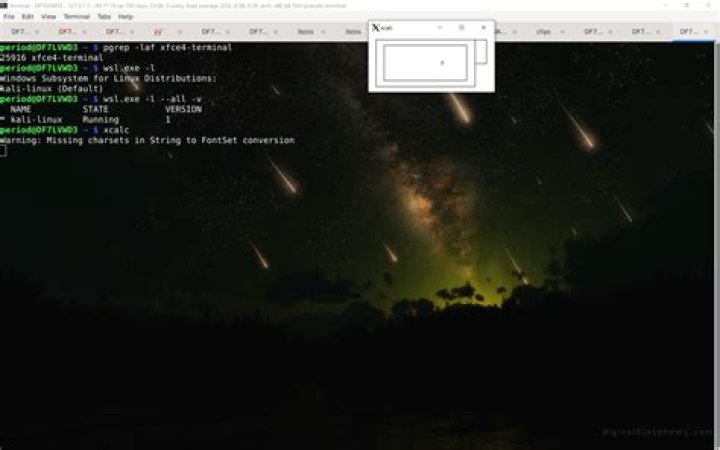
As for why the executable cannot be run in WSL, the reason is because WSL2 (as of December 2021) has not yet supported GUI app. It is only available on Windows 11 Insider. Here is the link:
2You will need to be on Windows 11 Build 22000 or higher to access this feature.