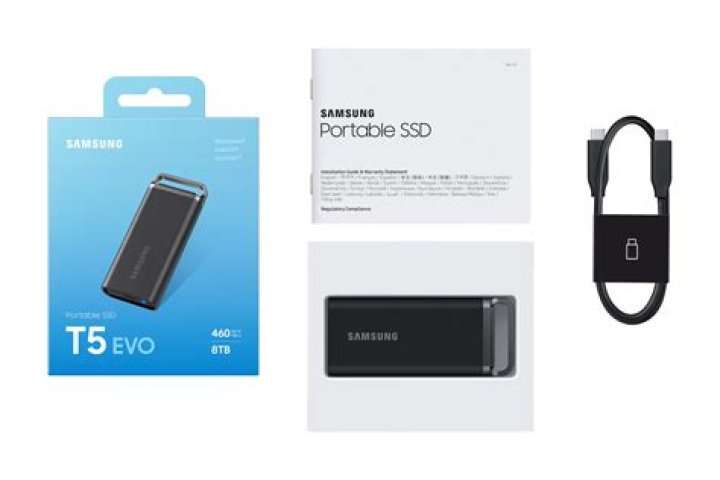

I just purchased a brand new 1Tb Samsung T5 SSD. When I previously bought an external HDD, I often reformatted it, using NTFS or different sector sizes, etc. Maybe it just seemed the "cool nerdy thing to do" but whatever.
Does it still makes sense to completely reformat a new SSD, or shall I just start using it out-of-the-box?
I understood from a review that it is formatted with exFAT, but formatting with NTFS would be useful to use TRIM??
I will use this mostly as file back-up for main laptops (all Windows), and probably put photos and music on it as well, and I want to take it with me when I travel or go on vacation. I do not plan to encrypt it (maybe this is stupid?), as I am wary of the things that can go wrong (and yes, I did already forgot some passwords from zipfiles I created more than a decade ago... luckily nothing too important).
Thanks.
2 Answers
If out of the box it's in the format you need, then just use it.
If it isn't, then reformat.
It's quite likely to arrive as MBR/FAT (or ExFAT for a larger drive) which isn't much use to you if you need it to boot Windows or macOS, or if you need it to support more complex permissions systems or metadata (macOS ACLs, Windows Streams etc).
4Tetsujin answer is correct (Upvoted): You can use it as-is if the format is what you need.
The point to add is that the file-system is does not always determine the exact format and so you may have to format it even to use the same file-system if you want a different block-size, cluster-size, etc. Optimizing the FS to your use case can make a substantial difference in performance and space usage.
2



