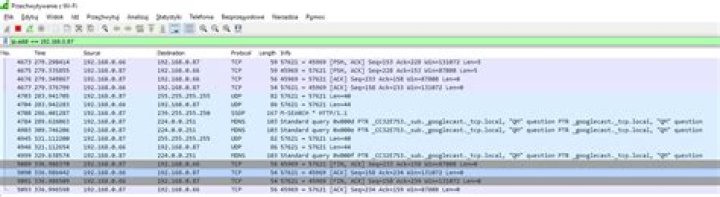
I am trying to create my own app to monitor LAN networks on Windows. I think this way: if Wireshark can capture packets on my home Wi-Fi, I will do it too. But Wireshark without any errors captures only packets like in this picture (I was capturing from Windows with IP address .66, mobile phone in network is .87).
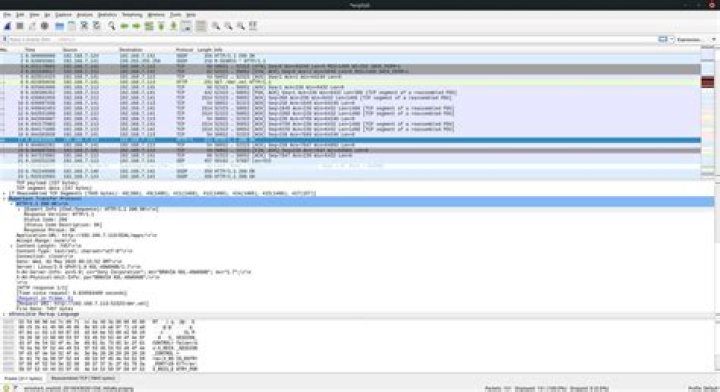
I don't see any pages opened in device 87.
- Can you help me to understand why?
- If my Wi-Fi adapter does not support promiscuous mode, and it's needed to capture all packets from other devices, I can buy some USB Wi-Fi adapter which supports it. But how can I choose one?
- If Wireshark doesn't show any error, does it mean that promiscuous mode is enabled on my Wi-Fi adapter?
There is a lot of information about monitor mode on the Internet, but not too much about promiscuous mode. All help is appreciated. Please ask if I wrote something unclear.
1 Answer
If you're trying to capture WiFi traffic, you need to be able to put your adapter into monitor mode. Since you're on Windows, my recommendation would be to update your Wireshark version to the latest available, currently 3.0.1, and install the latest npcap driver that comes with it, being sure to select the option to support raw 802.11 traffic (and "Monitor Mode") for wireless adapters. That should be all you need. Note that you may need to first turn on monitor mode using npcap's wlanhelper tool.
Download Wireshark from here.
Read more about npcap in the Npcap Users' Guide.
Read more about capturing WiFi traffic on the Wireshark WLAN (IEEE 802.11) capture setup wiki page.
1



