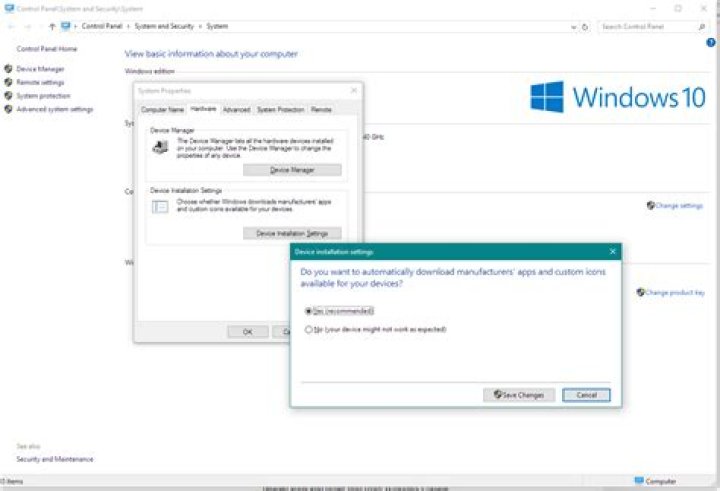
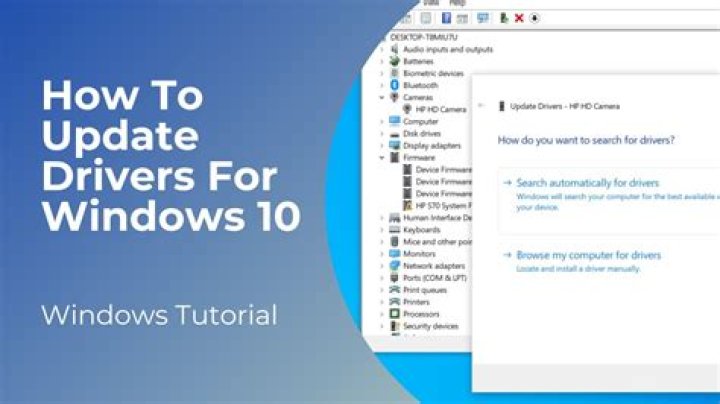
Does Windows Update (Windows 10) automatically download updated device drivers? I thought it did, but then I realized today that several were out of date, and I had to manually right-click on them in device manager and select "Update Driver".
Is there a way to enable this? It'd be really nice if Windows took care of this for me.
11 Answer
At one time, Windows 10 had a setting that clearly prevented download of manufacturers' drivers when Windows updated.
Now, however, the choice is less clear.
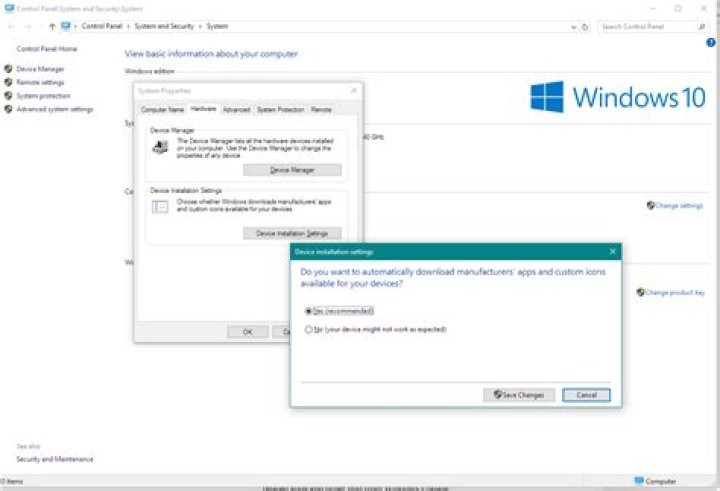
Rather than getting to this dialog from Windows update settings:
Open the System CPL (Windows-Pause, on many PC's).
Select Advanced system setting.
On the Hardware tab, select Device installation settings.
The option now reads "Do you want to automatically download manufacturer' apps [sic] and custom icons...", rather than "driver software and realistic icons...", as it did previously.
This begs the question whether by selecting "No", it also prevents driver download, but until someone more knowledgeable responds, I'd assume it does prevent driver upload. MS has muddled this issue.




